Secure checkout, dispatch within 48 hours, free shipping from €38 and 30-day eligible returns.
Cart

FLIP-FRAME 4K HOME PROJECTOR

Portable 4K Triple-Laser Flip Projector

€39,80 EUR€199,90 EUR★★★★★ 4.8 · 10

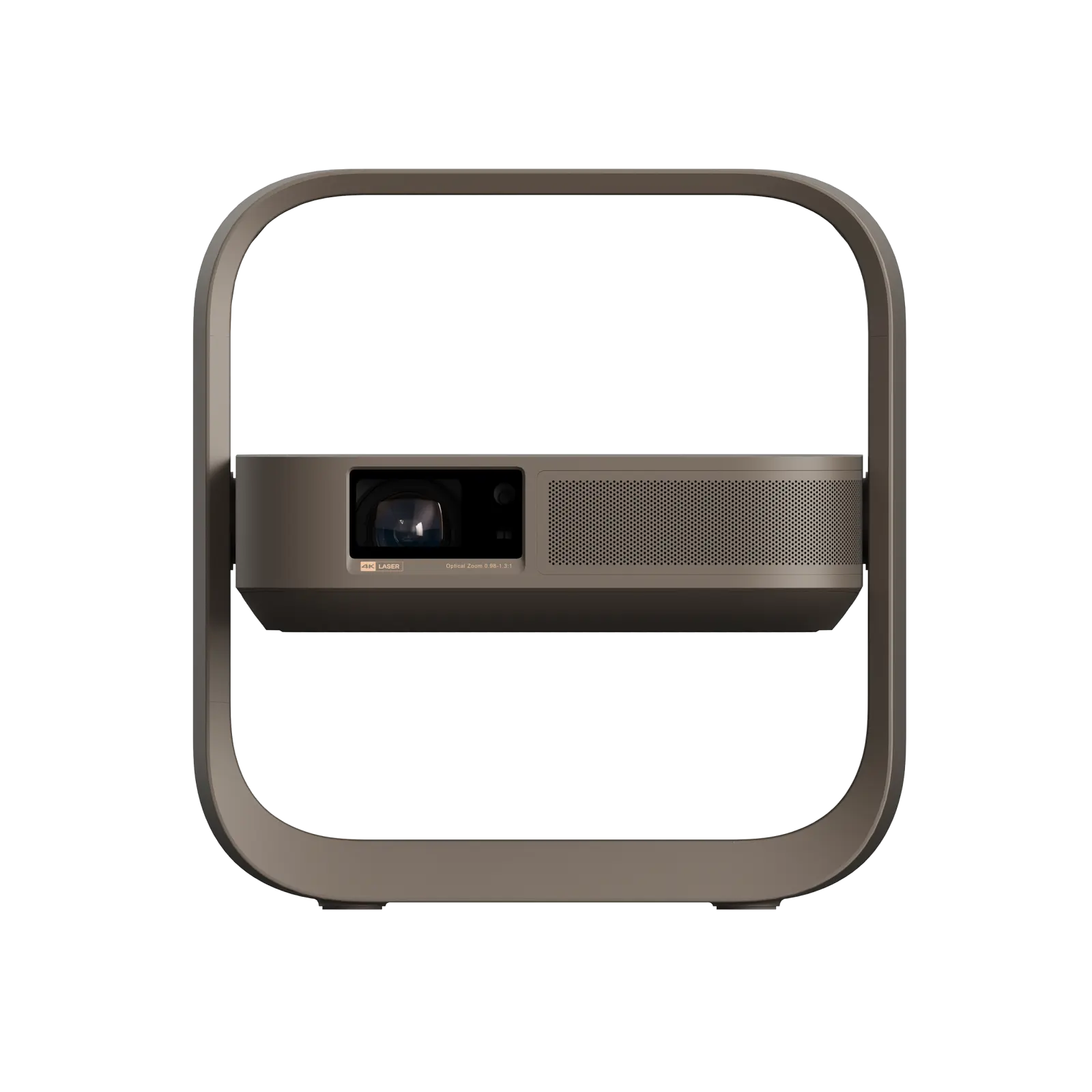
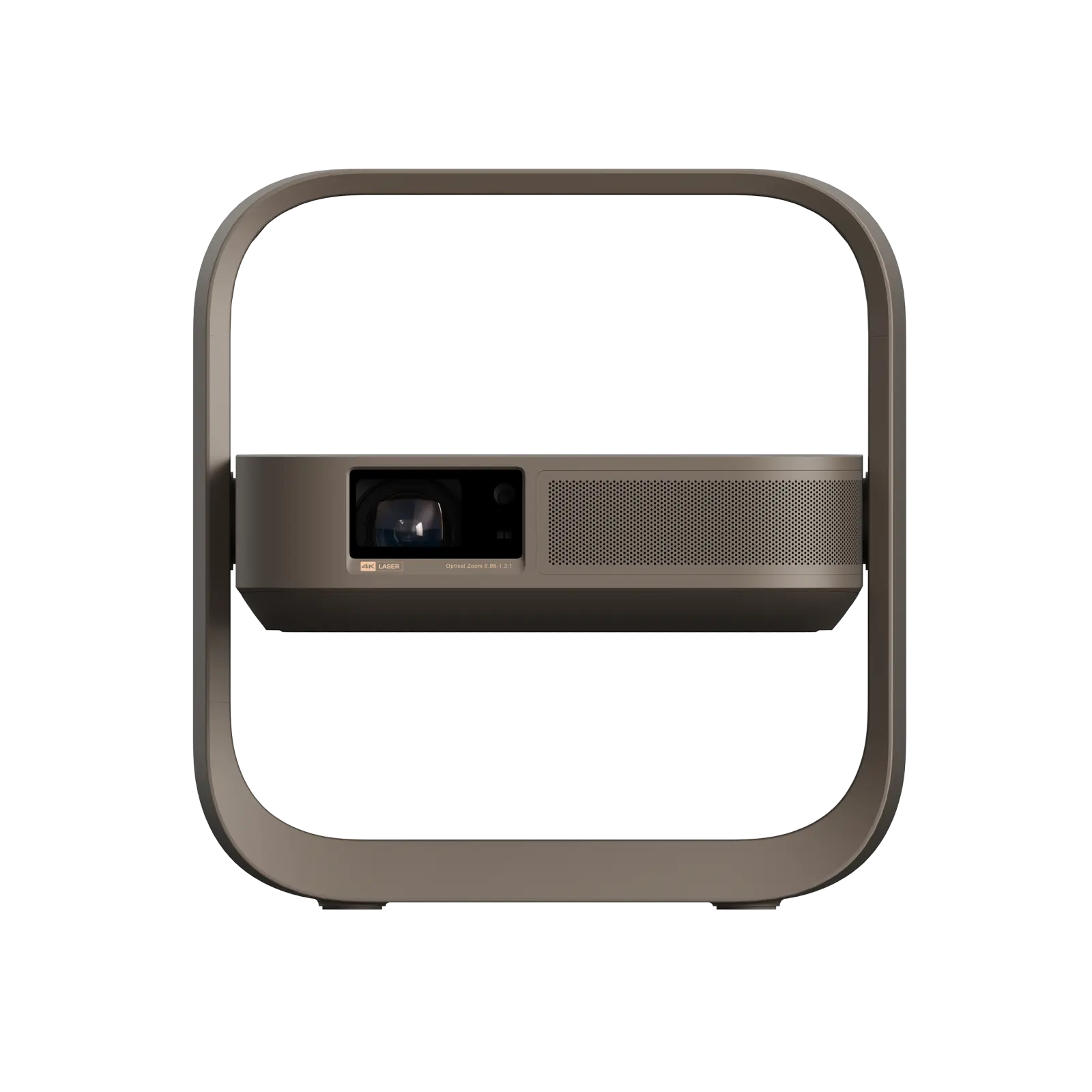
A 1.55 kg projector that rotates from wall to ceiling without a separate stand.
Portable 4K Triple-Laser Flip Projector

€39,80 EUR
€199,90 EUR
Popust €160,10 EUR
Porezi i pristojbe uključeni Izračunajte troškove prijevoza na blagajni
Set
Purchase options Choose how you would like to order Available to order
Secure checkout Tracked delivery Eligible 30-day returns

Payment details are encrypted. Shipping and taxes are confirmed before payment.

Product overviewWhat it does · key reasons to choose it5 highlights

A compact 4K triple-laser projector with a built-in pivot frame, optical zoom, automatic picture correction and a quiet 7 W speaker. Place it on a table, angle the lens, and keep the picture aligned without stacking books or fitting a ceiling mount.

  • 3840 × 2160 triple-laser projection
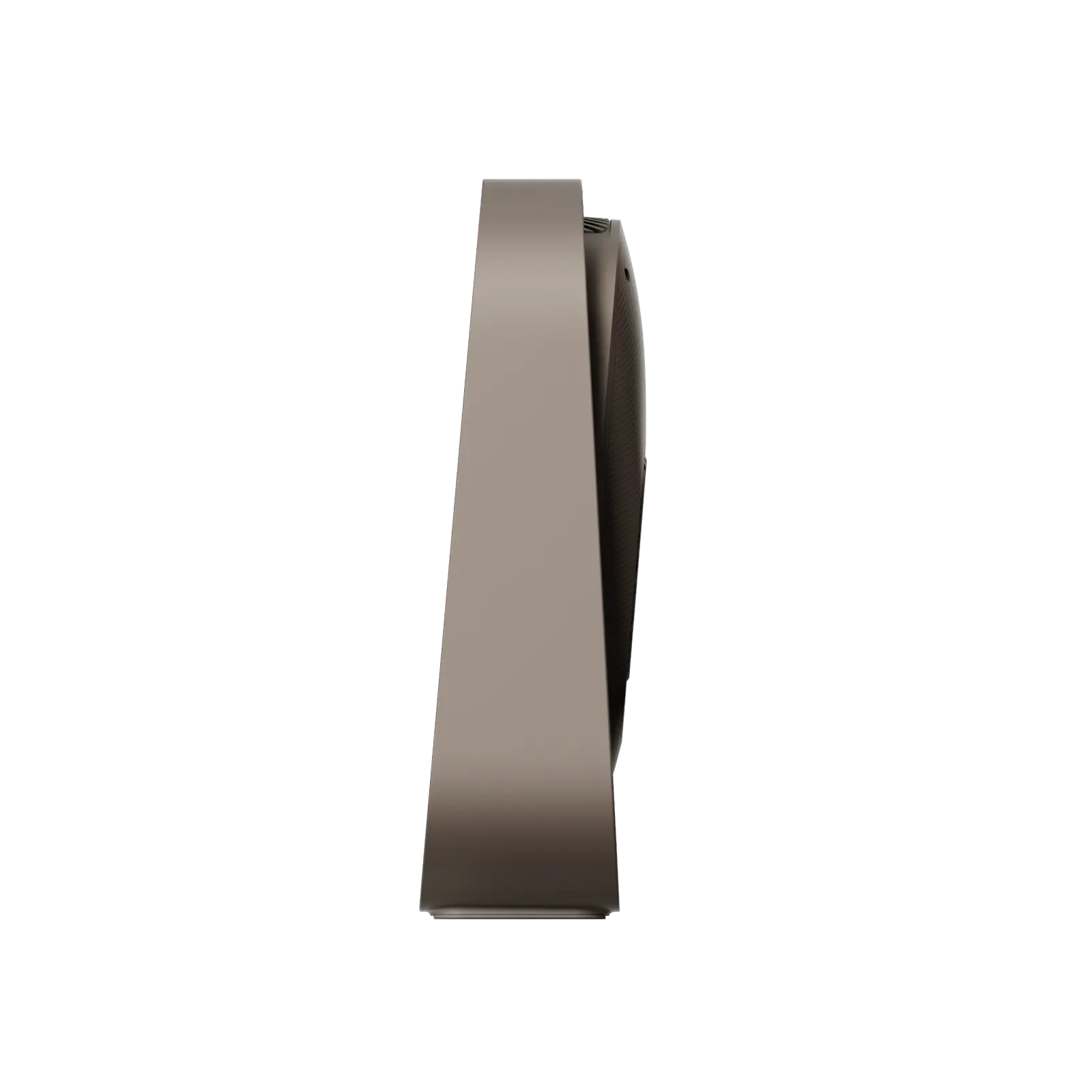
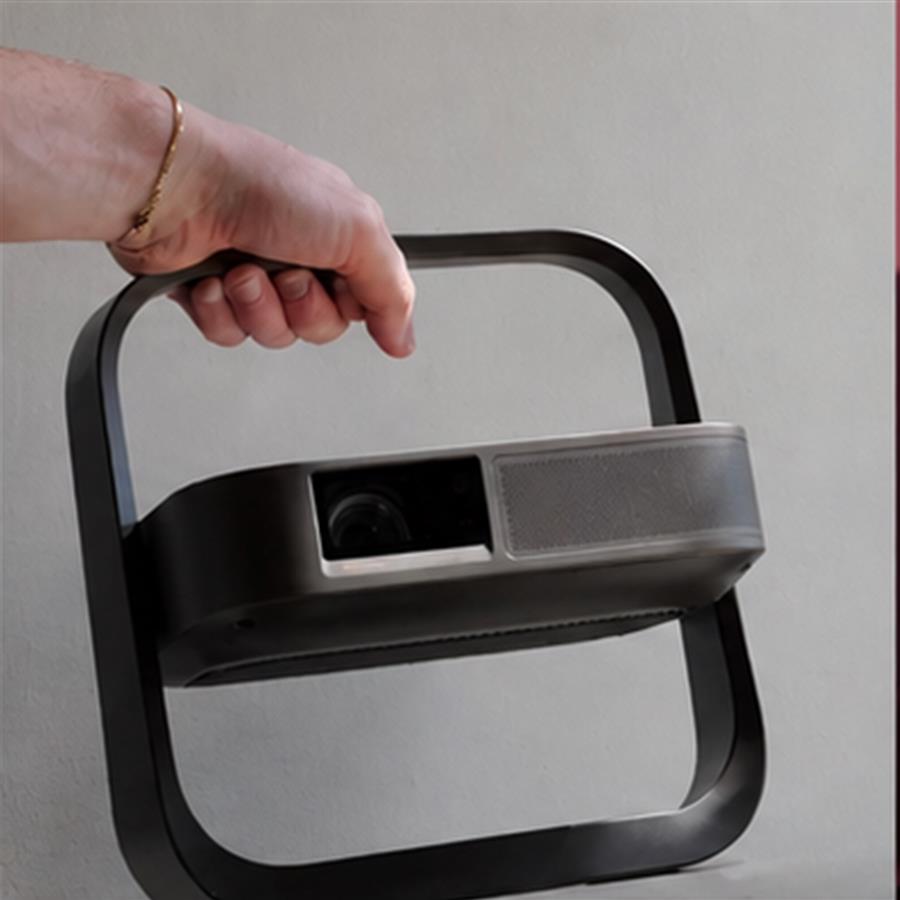
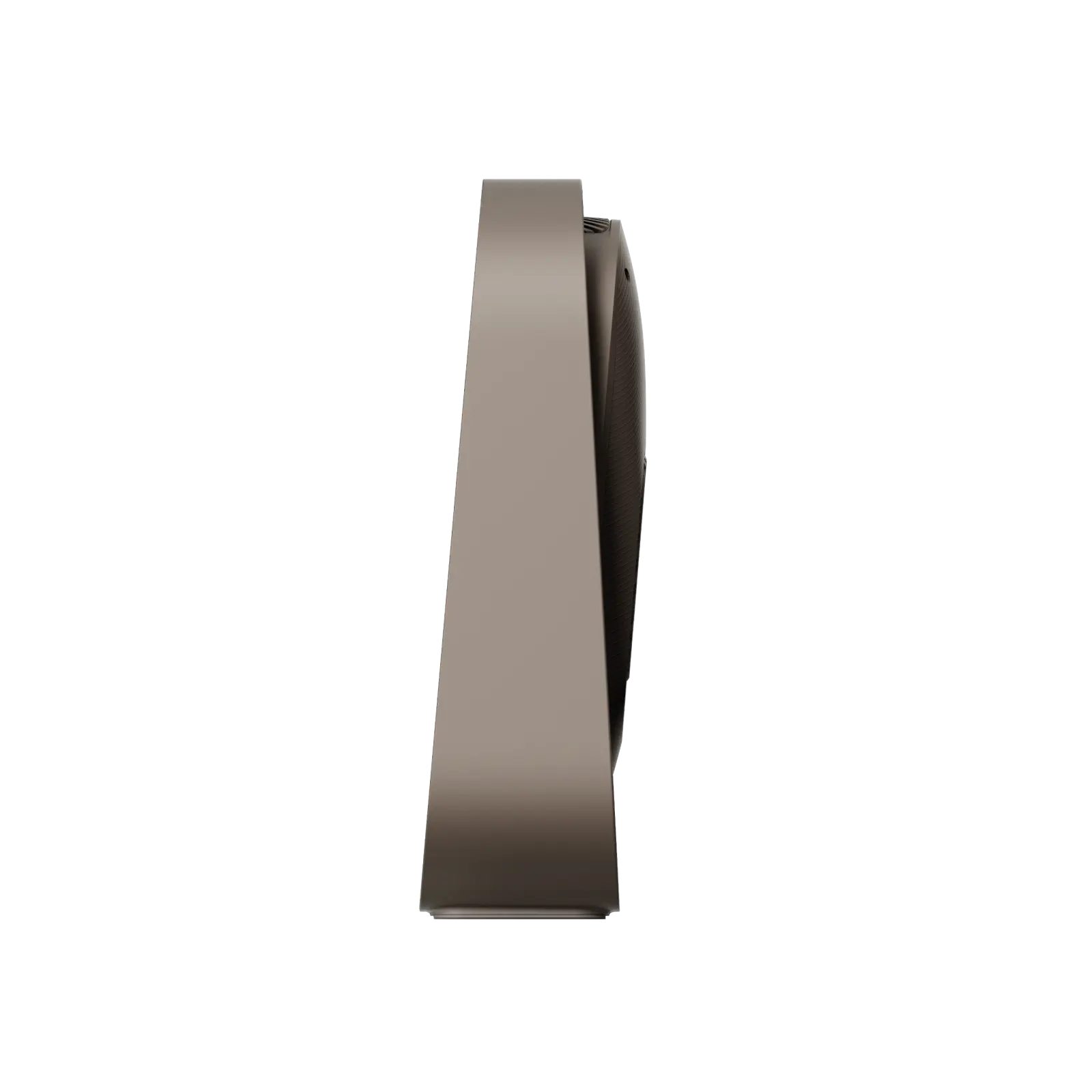
  • Integrated rotating stand and carry frame
  • Optical zoom plus automatic focus and keystone
  • Two HDMI and two USB connections
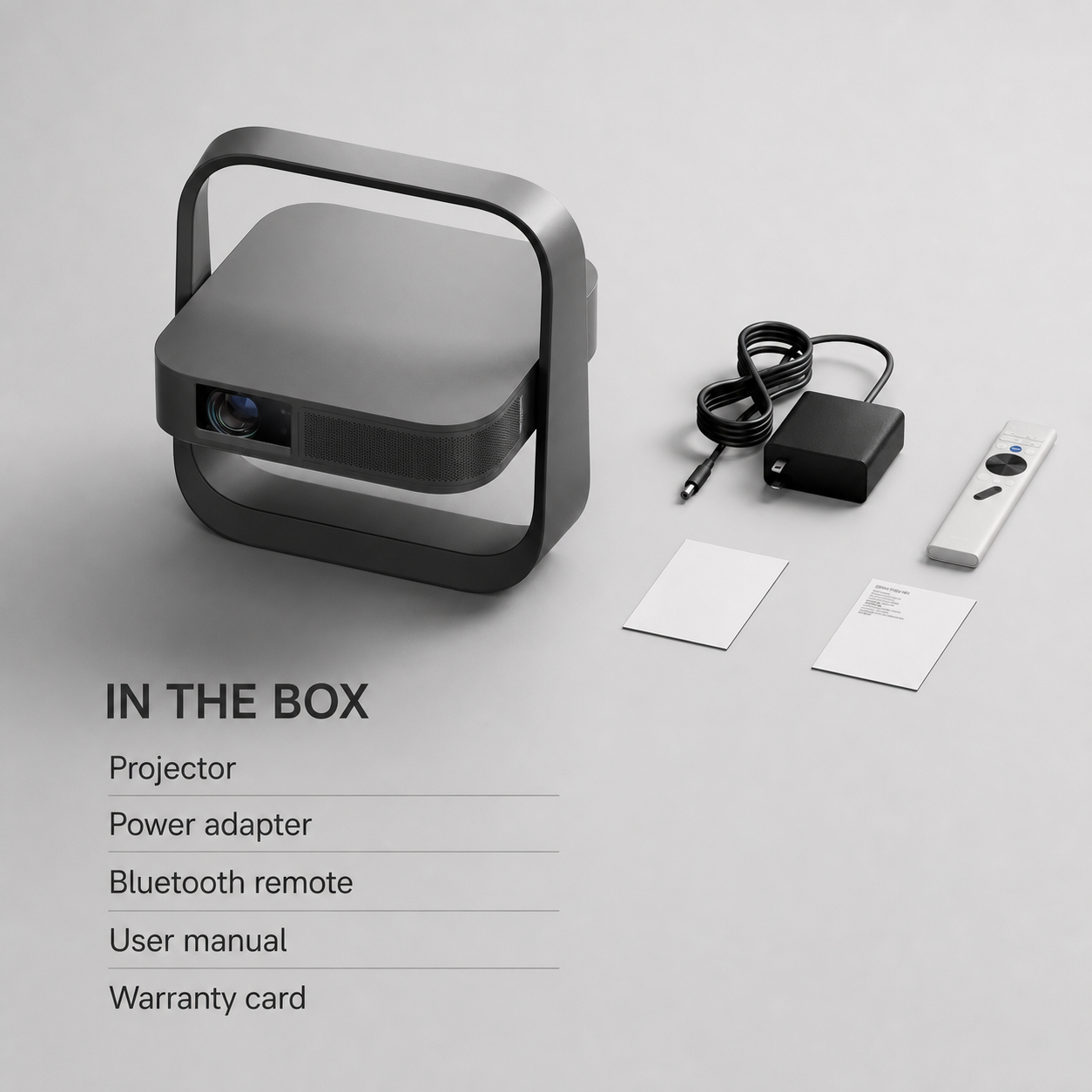
  • Remote, adapter, manual and warranty card included
Product specificationsSize · performance · compatibility19 facts

Picture and optics

Light sourceRGB triple laser

Dynamic contrast20,000:1

Throw ratio0.98–1.30:1

Image size40–200 in; 60–150 in recommended

FormatsHDR10, HLG, MEMC

Game response1 ms at 1080p/120 Hz in supported game mode

System, sound and wireless

ProcessorMT9660 / Mali-G52

Memory2 GB RAM / 64 GB storage

Speaker1 × 7 W

WirelessWi-Fi 6 / Bluetooth 5.2

Acoustic noise≤28 dB at 1 m

Connections and power

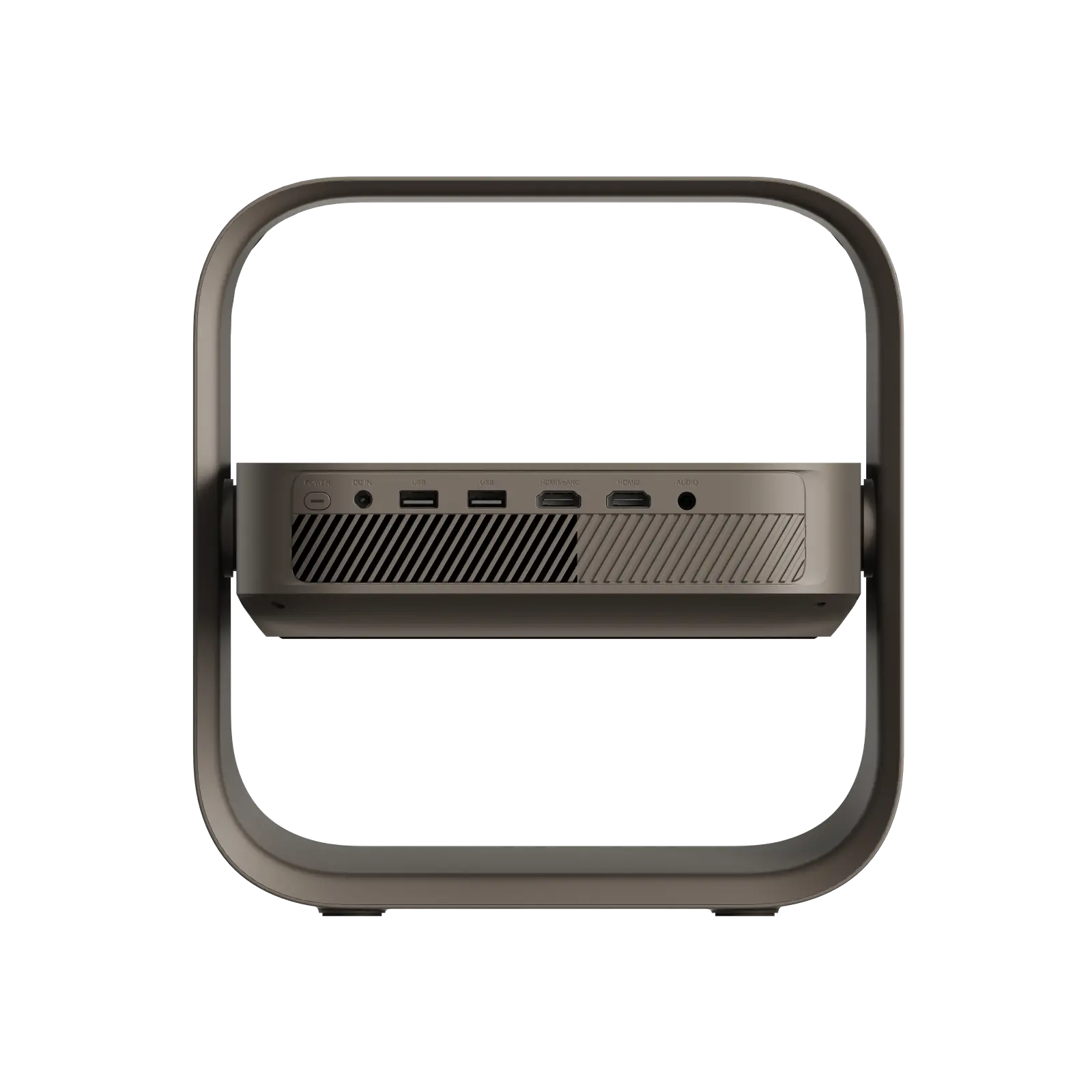
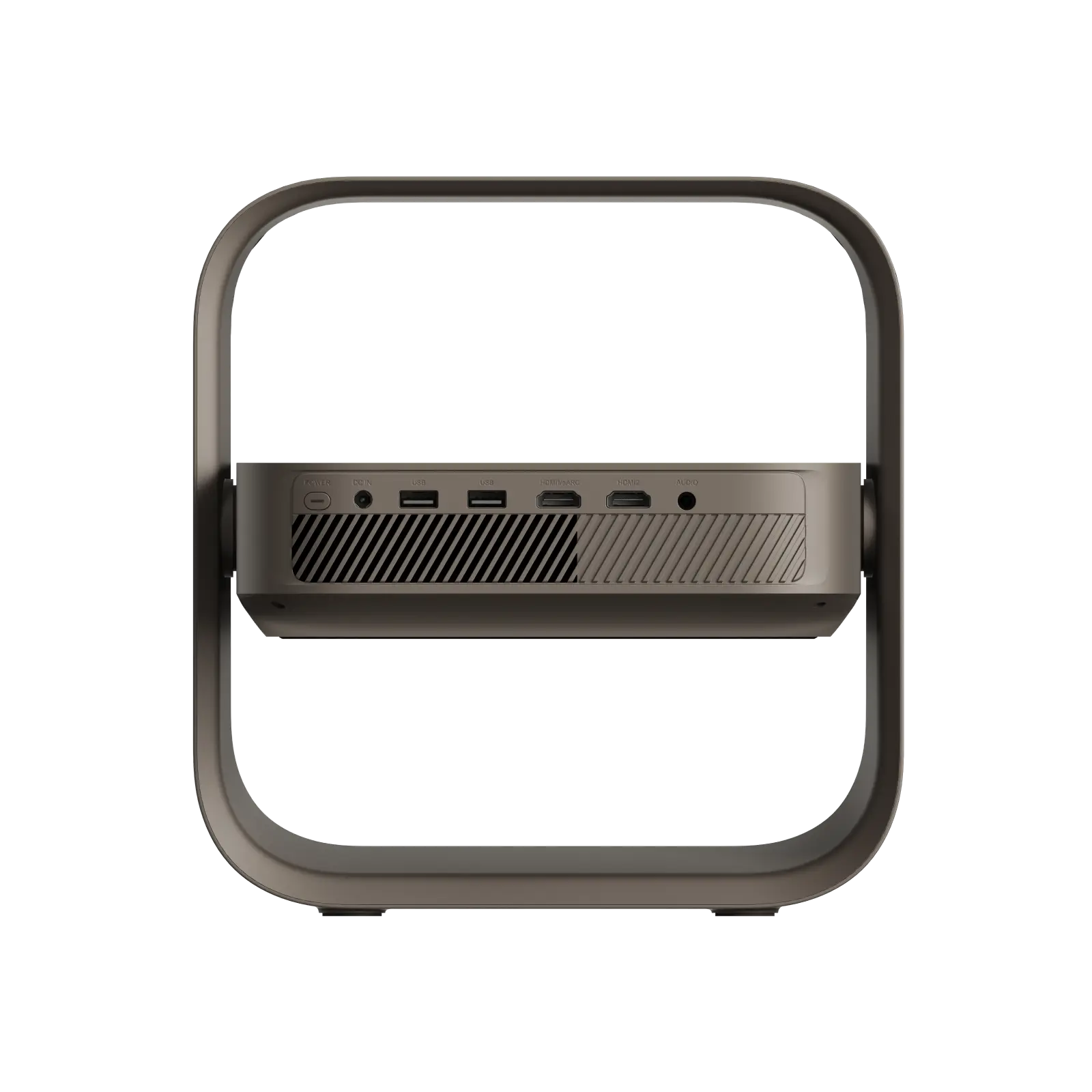
HDMI2, including 1 eARC

USB2 × USB 2.0

Audio3.5 mm output

Power100–240 V; ≤120 W

Size and carton

Projector254 × 245 × 78 mm

Net weight1.55 kg

Carton356 × 417 × 151 mm

Packed weight2.92 kg

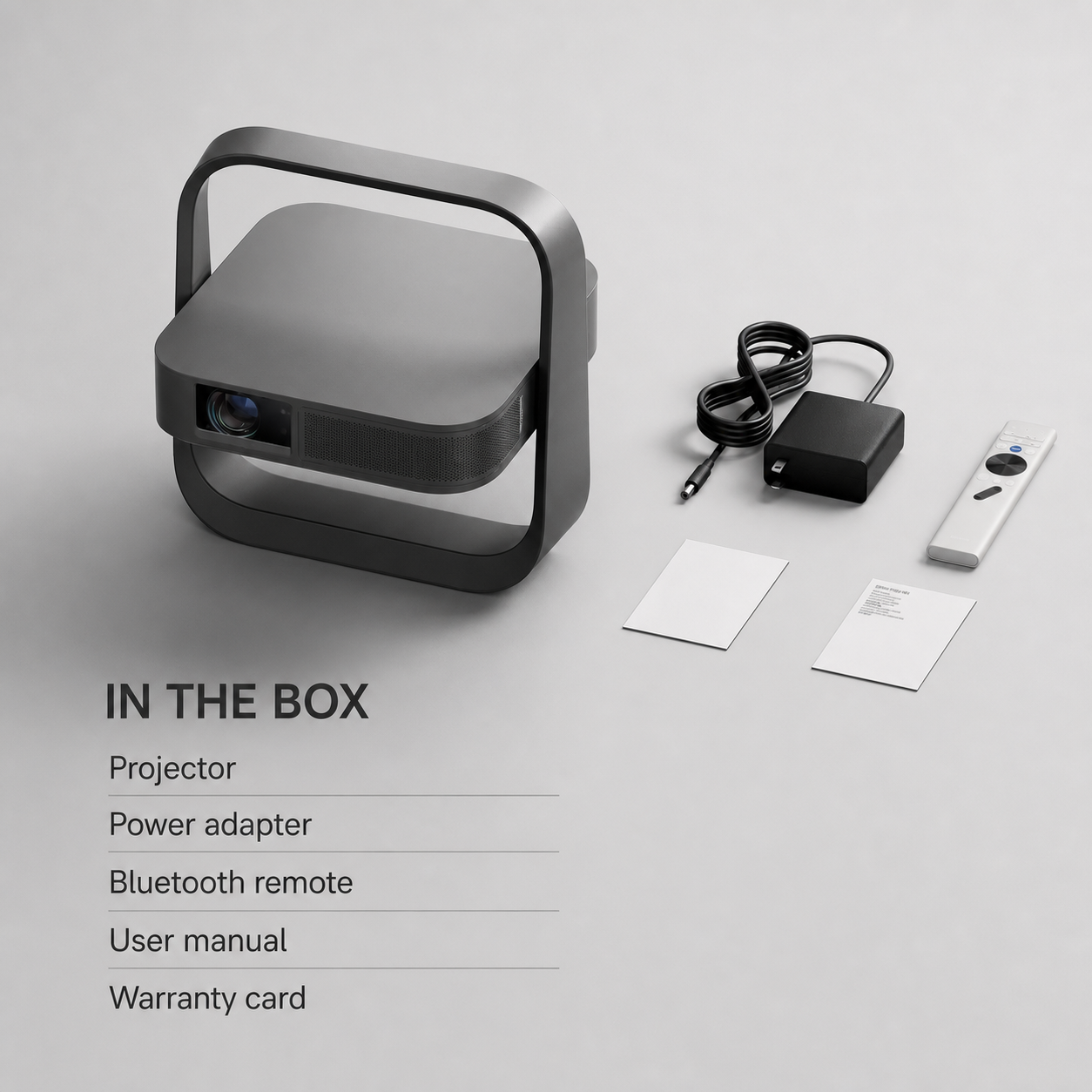
Package contentsEvery item included in this option6 line items
  • 1 × 4K flip-frame projectorMain projector with integrated tilt-and-carry frame
  • 1 × Power adapter and regional leadAC adapter plus destination-appropriate mains lead
  • 1 × Backlit Bluetooth remoteBacklit source, navigation, volume and focus controls
  • 2 × AAA batteriesPair supplied for the remote control
  • 1 × User manualPrinted setup, connection and operating instructions
  • 1 × Warranty cardOrder and support reference supplied with the set
Care, safety and regional useBefore first setup4 notes
  • Power and airflowUse the supplied regional adapter on a firm surface and keep the side and rear vents clear during projection.
  • Lens and eyesDo not look into the operating lens or place the beam where a child or pet can stare directly into it.
  • Cleaning and storageSwitch off, unplug and let the unit cool before wiping the lens area with a clean dry microfibre cloth.
  • Moving between roomsDisconnect power and source cables before lifting the projector by its frame; this model does not contain a playback battery.

Portable cinema, properly explained

Four reasons it works beyond the spec sheet.

True 4K detail

3840 × 2160 output with triple-laser light and HDR10/HLG support.

Wall or ceiling

The integrated pivot frame changes the projection angle without another stand.

Picture corrects itself

Auto focus, keystone, screen alignment and obstacle avoidance reduce setup work.

Ready for films and play

Two HDMI inputs, one eARC path, Wi-Fi 6 and a low-latency 1080p game mode.
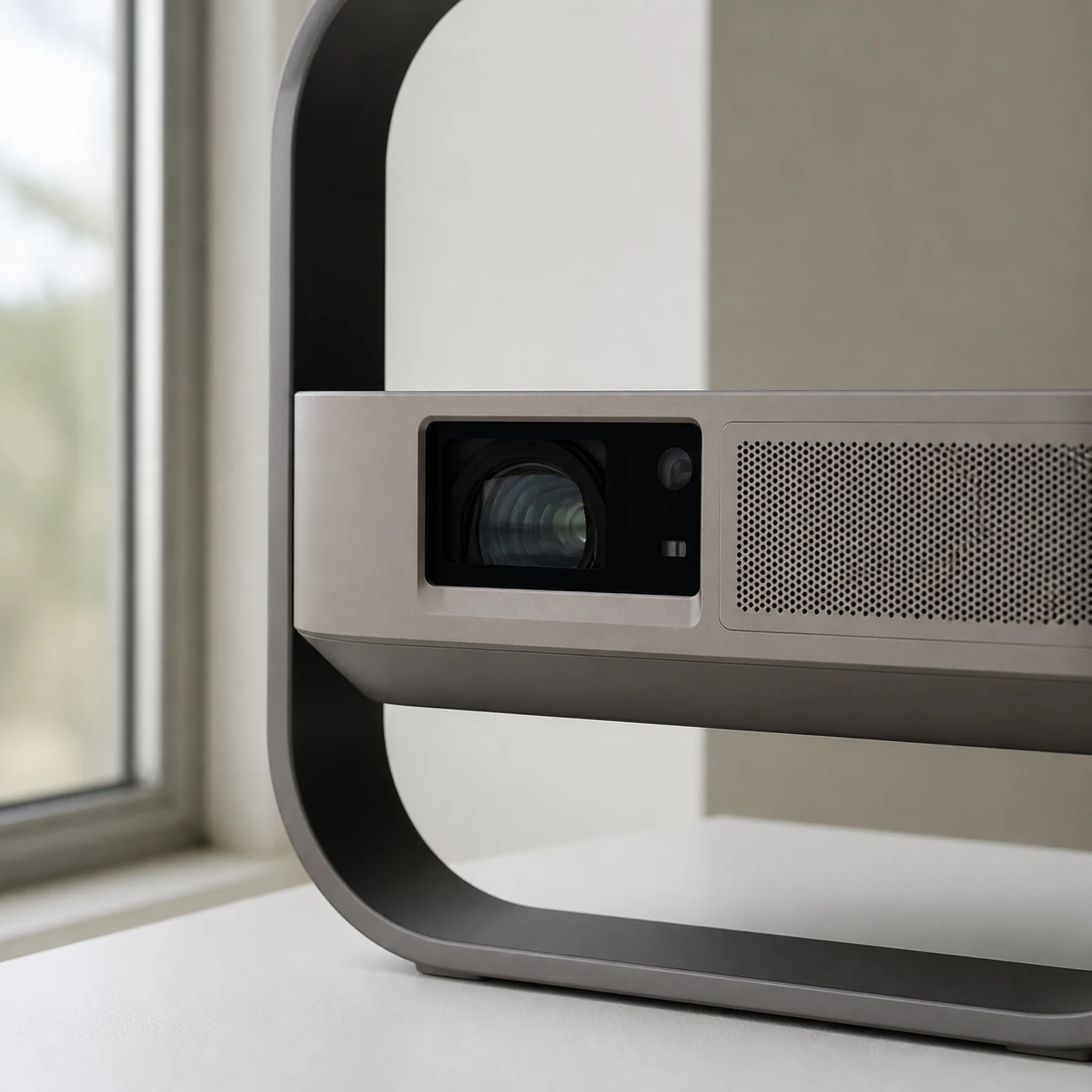
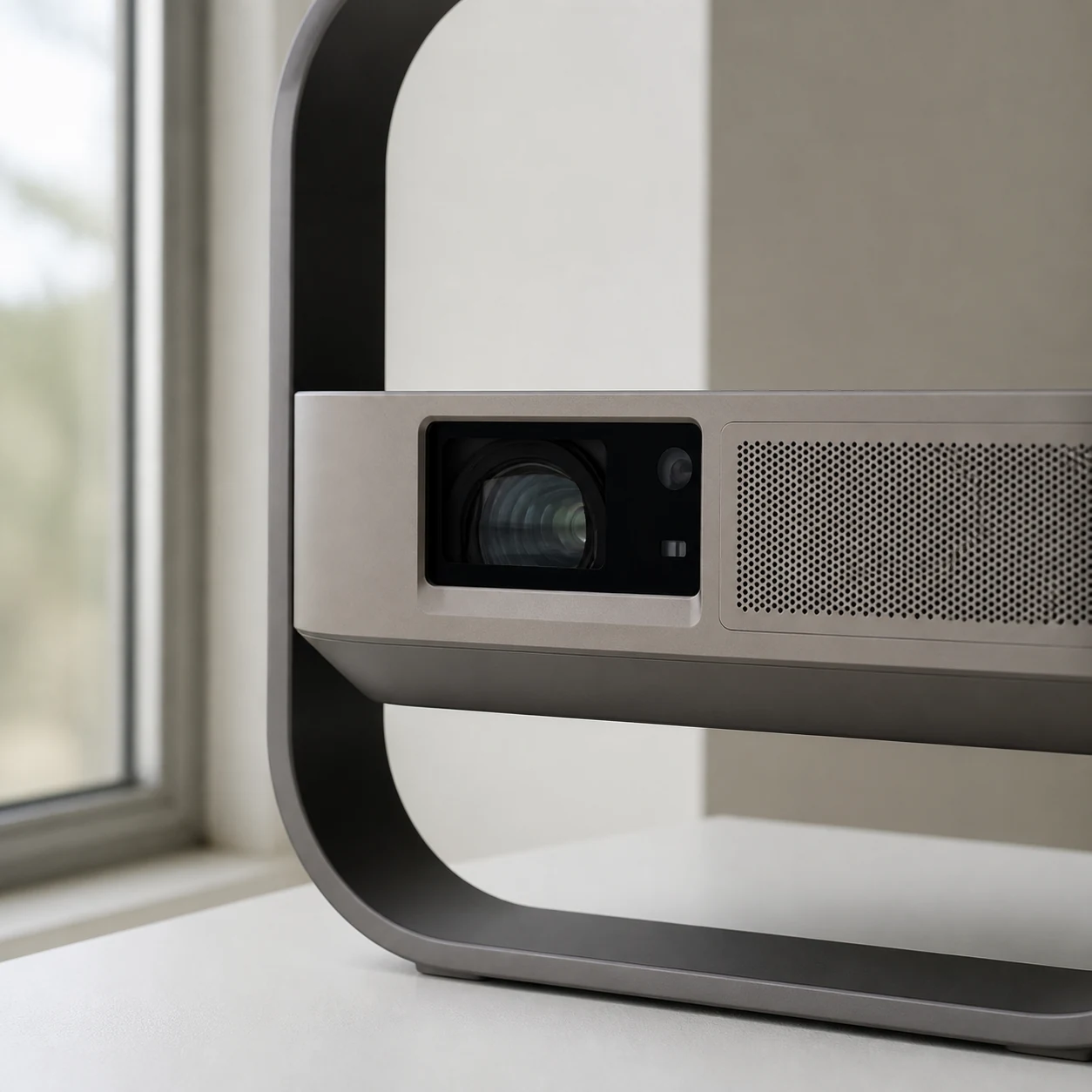
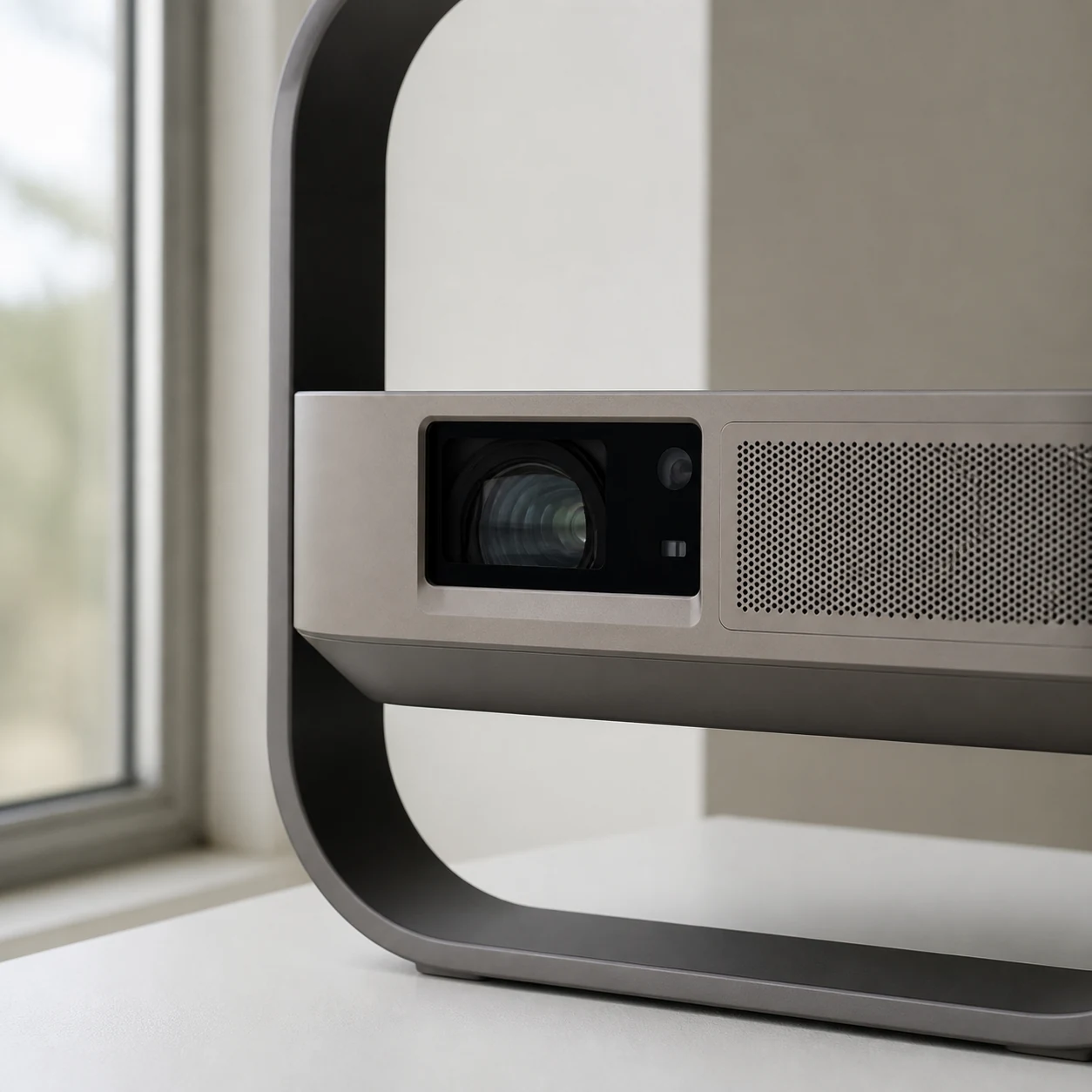
Close lens and grille detail showing the projector's functional layout

The mechanism in one look

The frame is the stand, handle and angle control.

The projector bar rotates inside the square frame. The recessed lens stays protected while the opposite grille vents the built-in speaker. Rear connections remain accessible whether the unit faces a wall or tilts toward the ceiling.

Projection
4K · 1600 ISO lmReference specification
Throw range
0.98–1.30:1 optical zoomNo need to move the table for small size changes
Noise
≤28 dB at 1 mReference laboratory condition

From table to picture

Set up a sharp image in three steps.

  1. Place and angle

    Set the frame on a stable surface and rotate the projector bar toward a wall or ceiling.

  2. Let it align

    Power on and allow focus, keystone, screen alignment and obstacle avoidance to finish.

  3. Choose a source

    Open the built-in streaming hub or connect a console, laptop or sound system by HDMI.
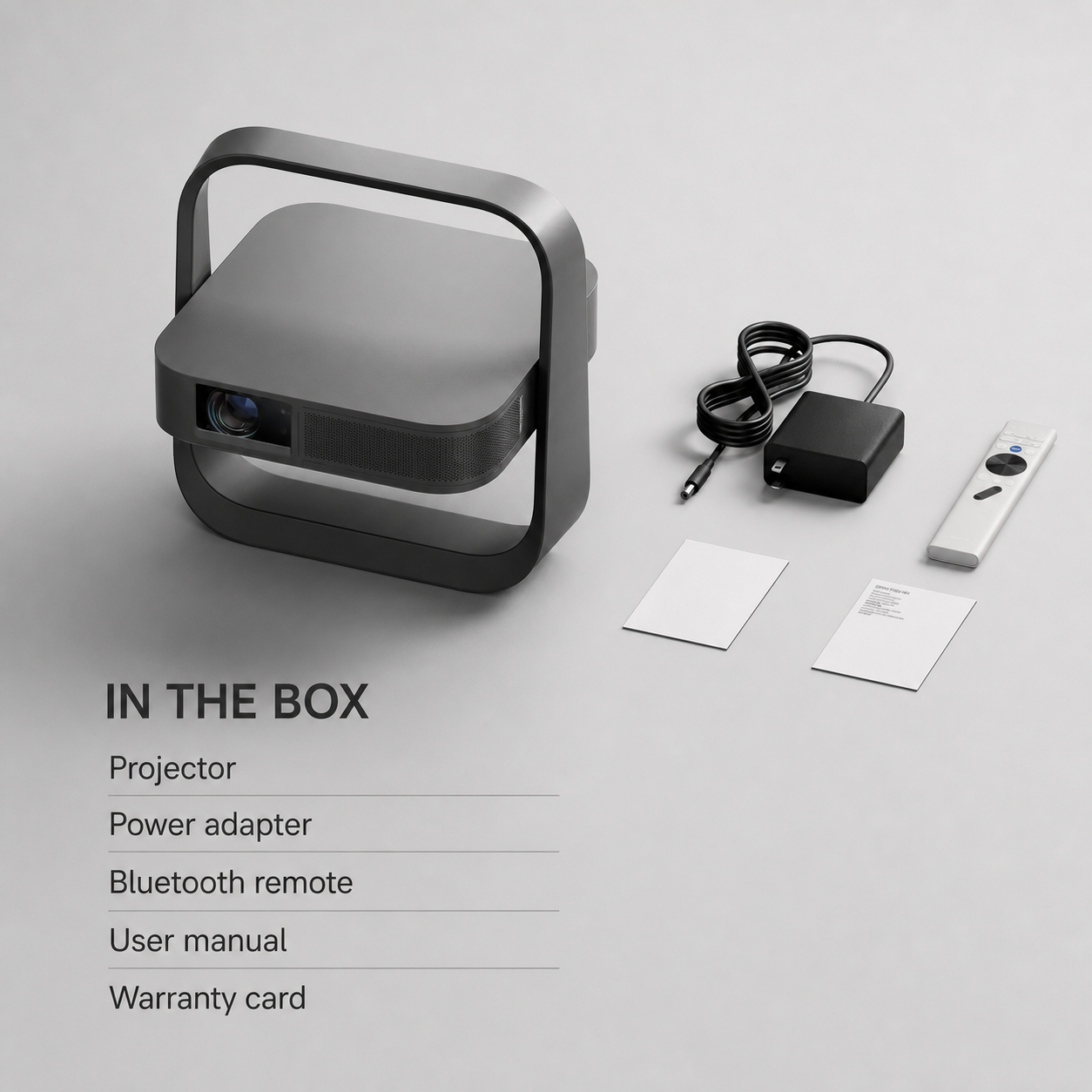
Complete projector package contents

Dimensions, contents and technical data

Check the picture, connections and complete box before you choose.

The four essentials stay visible first. Open only the category you need for the complete optical, system, connection and carton data.

Resolution
3840 × 2160
Brightness
1600 ISO lumens
Size
254 × 245 × 78 mm
Net weight
1.55 kg
Picture and optics6 facts+
Light source
RGB triple laser
Dynamic contrast
20,000:1
Throw ratio
0.98–1.30:1
Image size
40–200 in; 60–150 in recommended
Formats
HDR10, HLG, MEMC
Game response
1 ms at 1080p/120 Hz in supported game mode
System, sound and wireless5 facts+
Processor
MT9660 / Mali-G52
Memory
2 GB RAM / 64 GB storage
Speaker
1 × 7 W
Wireless
Wi-Fi 6 / Bluetooth 5.2
Acoustic noise
≤28 dB at 1 m
Connections and power4 facts+
HDMI
2, including 1 eARC
USB
2 × USB 2.0
Audio
3.5 mm output
Power
100–240 V; ≤120 W
Size and carton4 facts+
Projector
254 × 245 × 78 mm
Net weight
1.55 kg
Carton
356 × 417 × 151 mm
Packed weight
2.92 kg

Package contents

What arrives

  • 4K flip-frame projector × 1Main projector with integrated tilt-and-carry frame
  • Power adapter and regional lead × 1AC adapter plus destination-appropriate mains lead
  • Backlit Bluetooth remote × 1Backlit source, navigation, volume and focus controls
  • AAA batteries × 2Pair supplied for the remote control
  • User manual × 1Printed setup, connection and operating instructions
  • Warranty card × 1Order and support reference supplied with the set

Before first setup

Care, safety and regional use

  • Power and airflowUse the supplied regional adapter on a firm surface and keep the side and rear vents clear during projection.
  • Lens and eyesDo not look into the operating lens or place the beam where a child or pet can stare directly into it.
  • Cleaning and storageSwitch off, unplug and let the unit cool before wiping the lens area with a clean dry microfibre cloth.
  • Moving between roomsDisconnect power and source cables before lifting the projector by its frame; this model does not contain a playback battery.

Four useful placements

One projector, four genuinely different rooms.

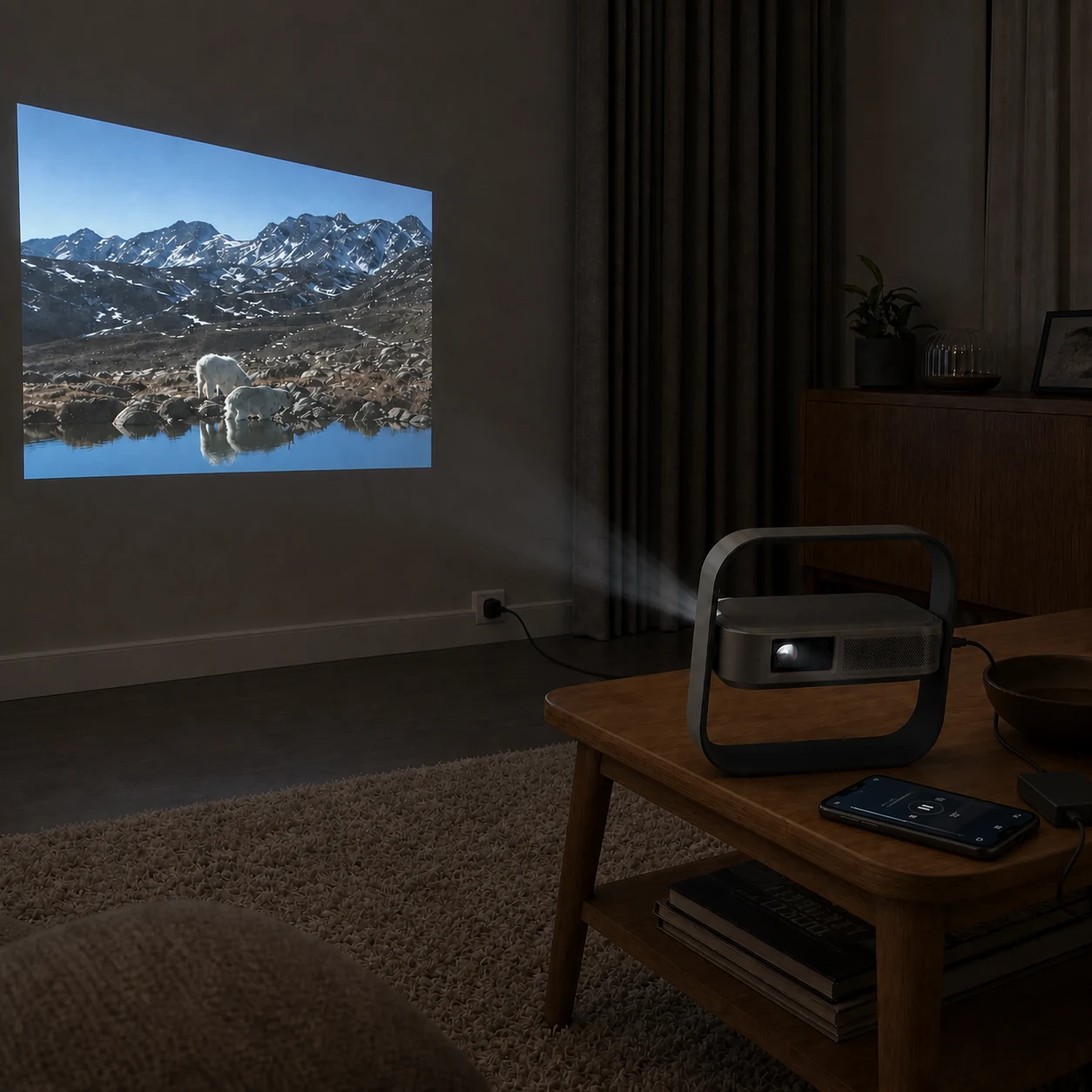
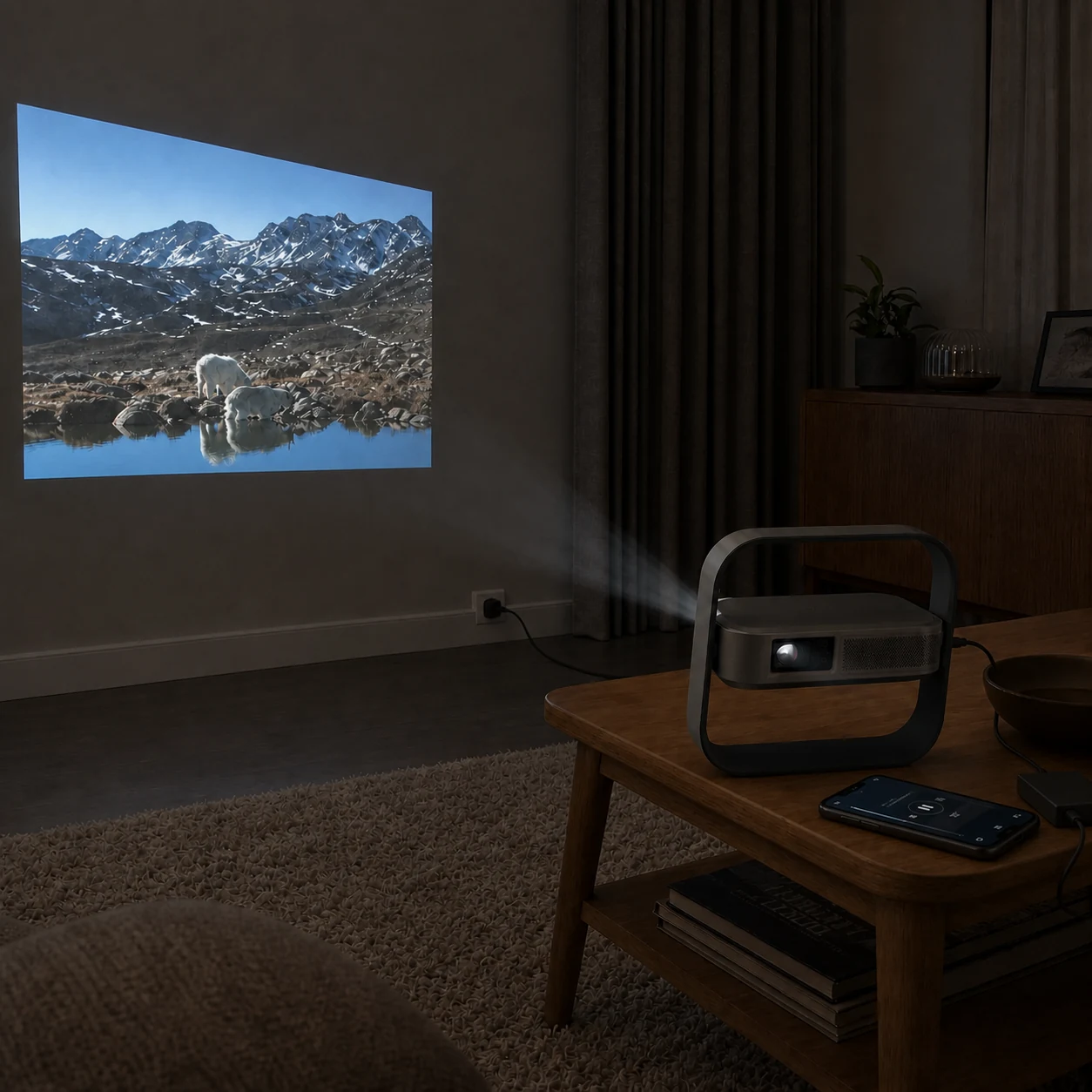
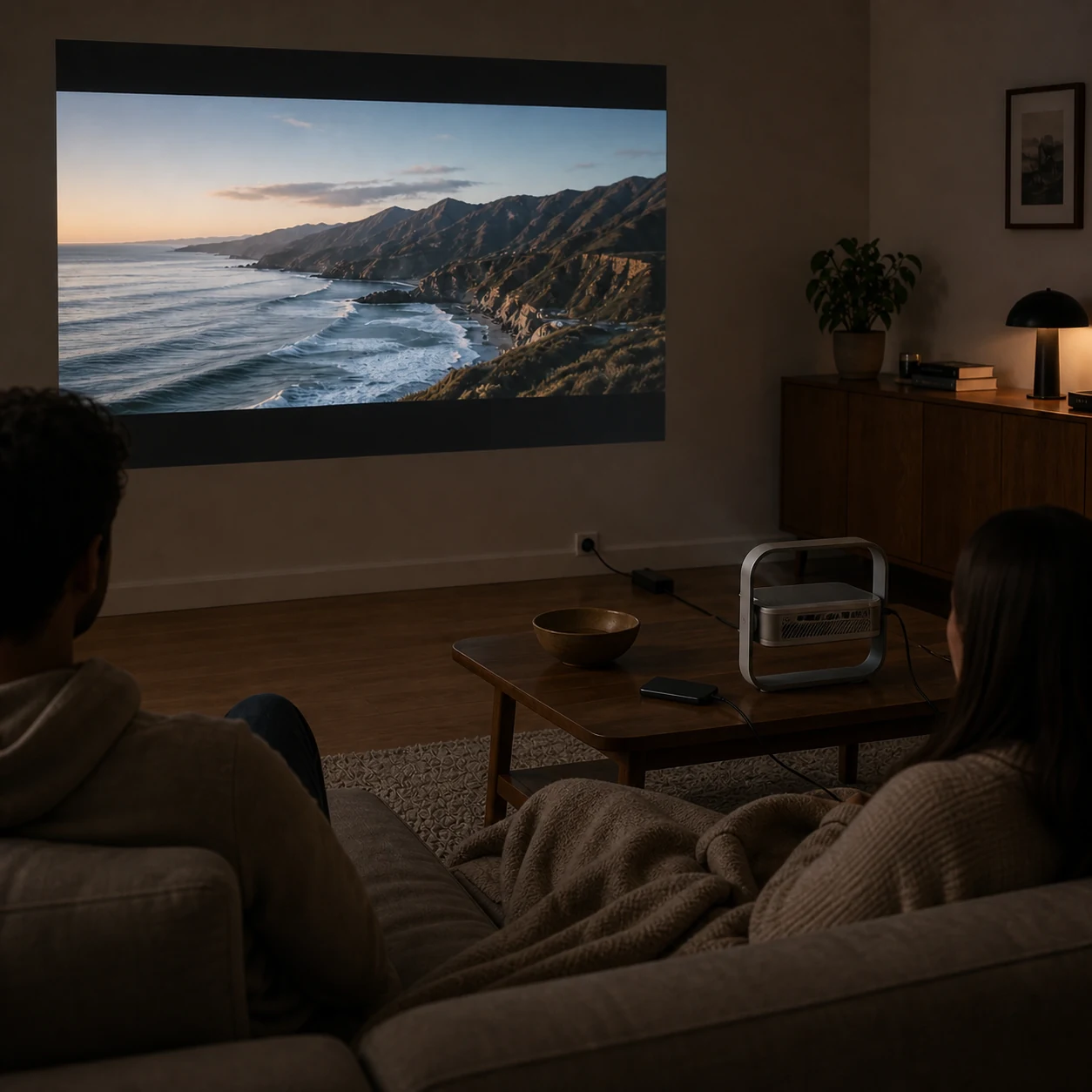
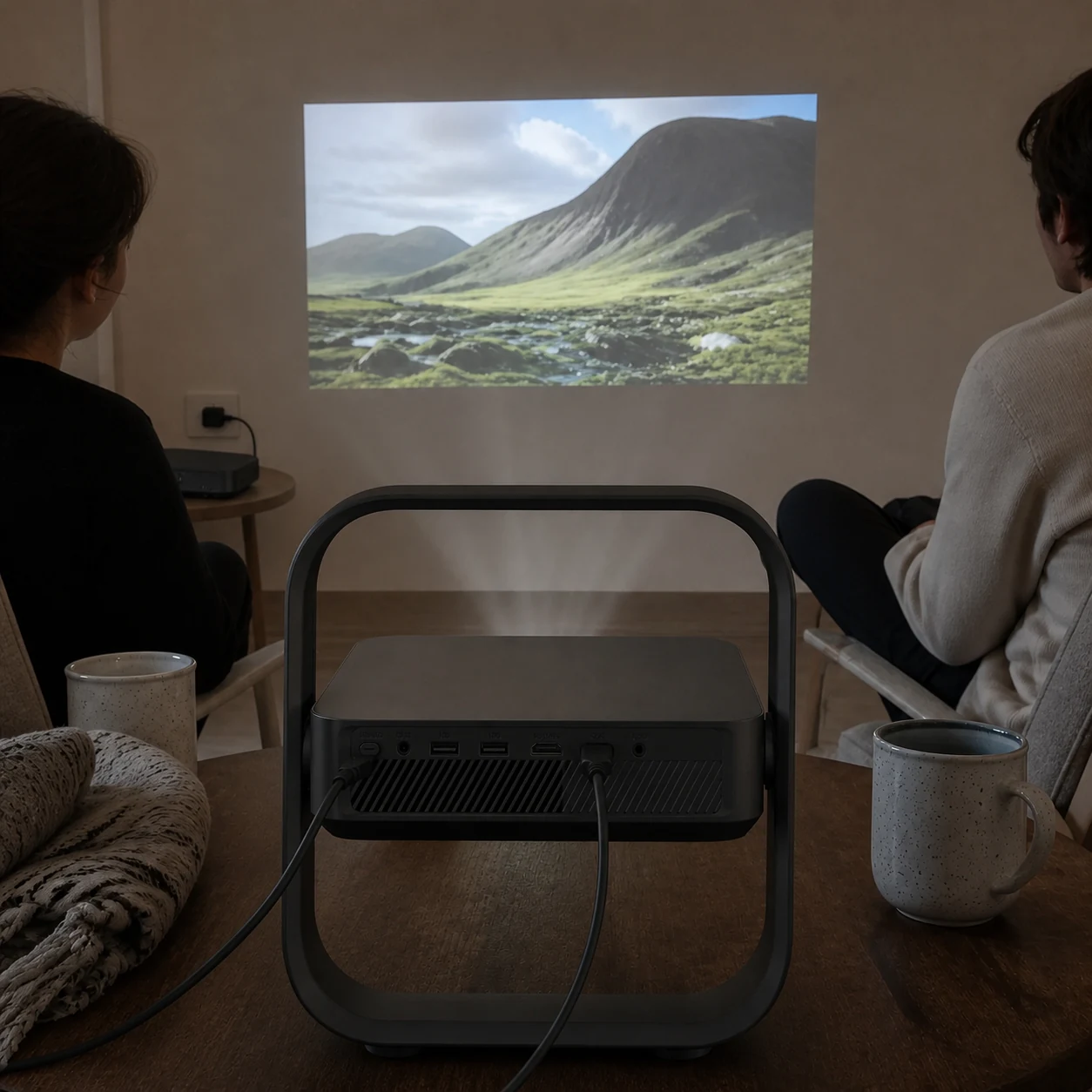
Couple watching a wall projection while the projector rear, continuous power path and streaming source remain visible on the coffee table
01 · Living-room wall

Turn one clear wall into Friday film night

A television fixes the screen size and separate speakers, stands and loose cables make a temporary setup feel permanent.

Place the projector once, connect power and a streaming source, then use optical zoom and automatic alignment to fit the available wall without shifting the sofa.
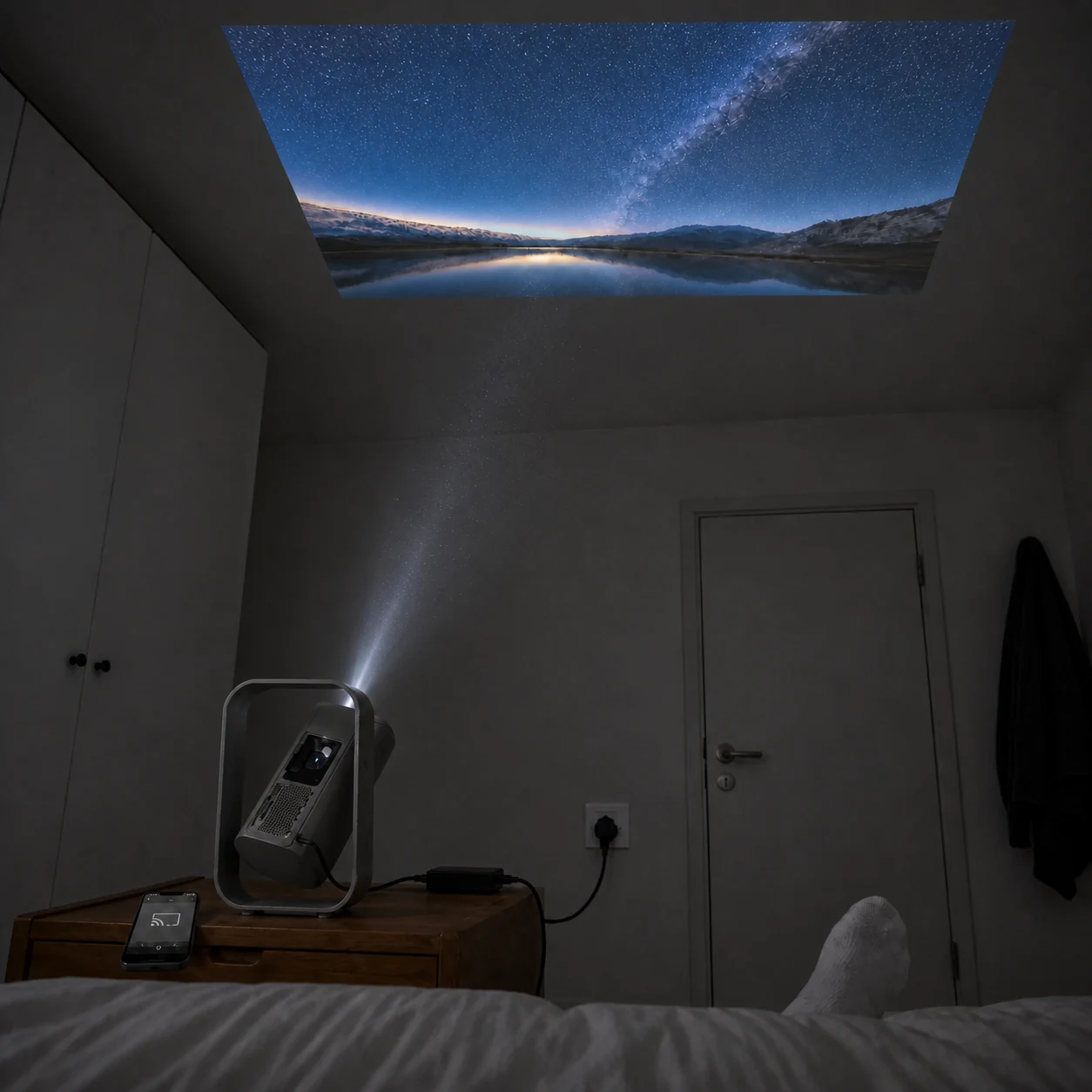
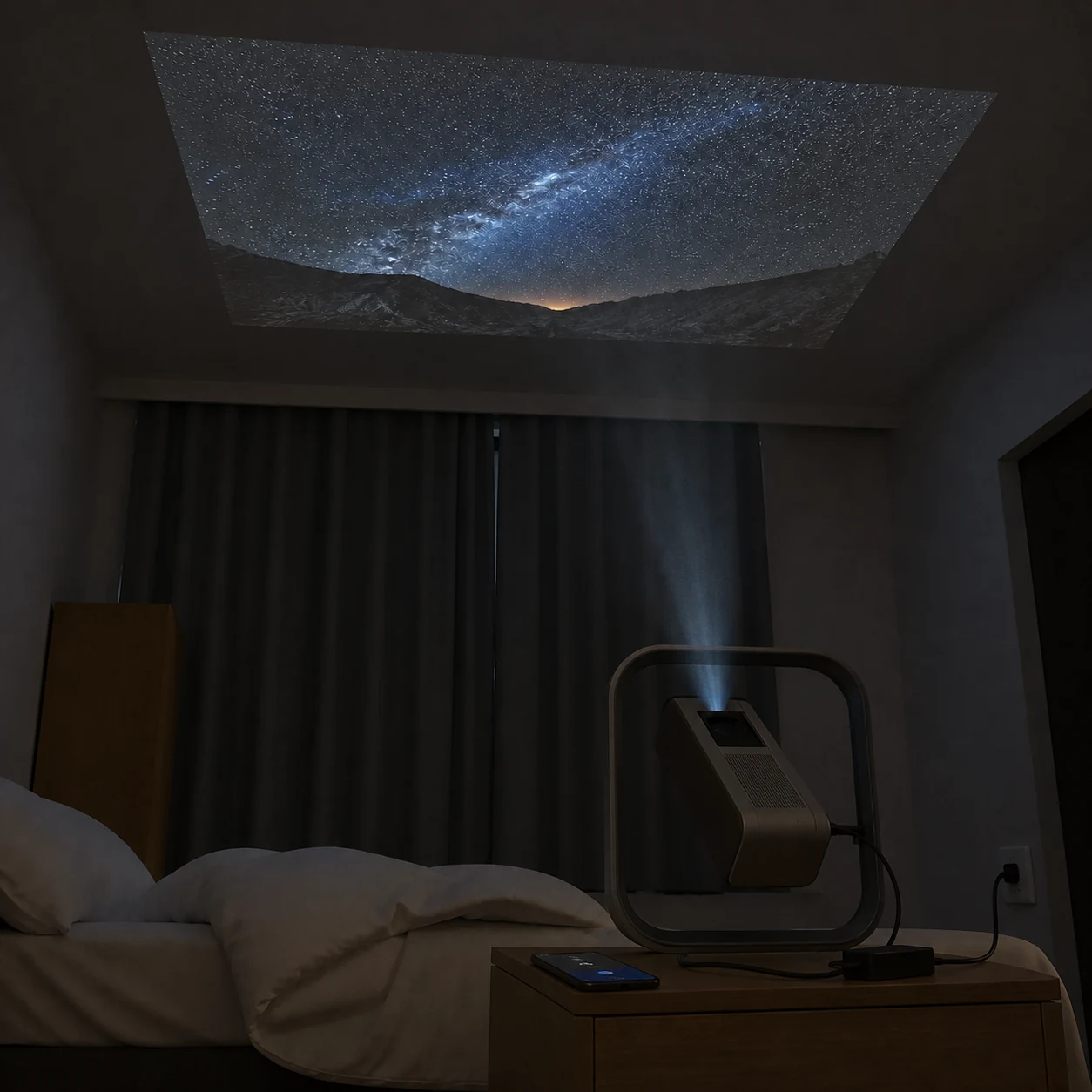
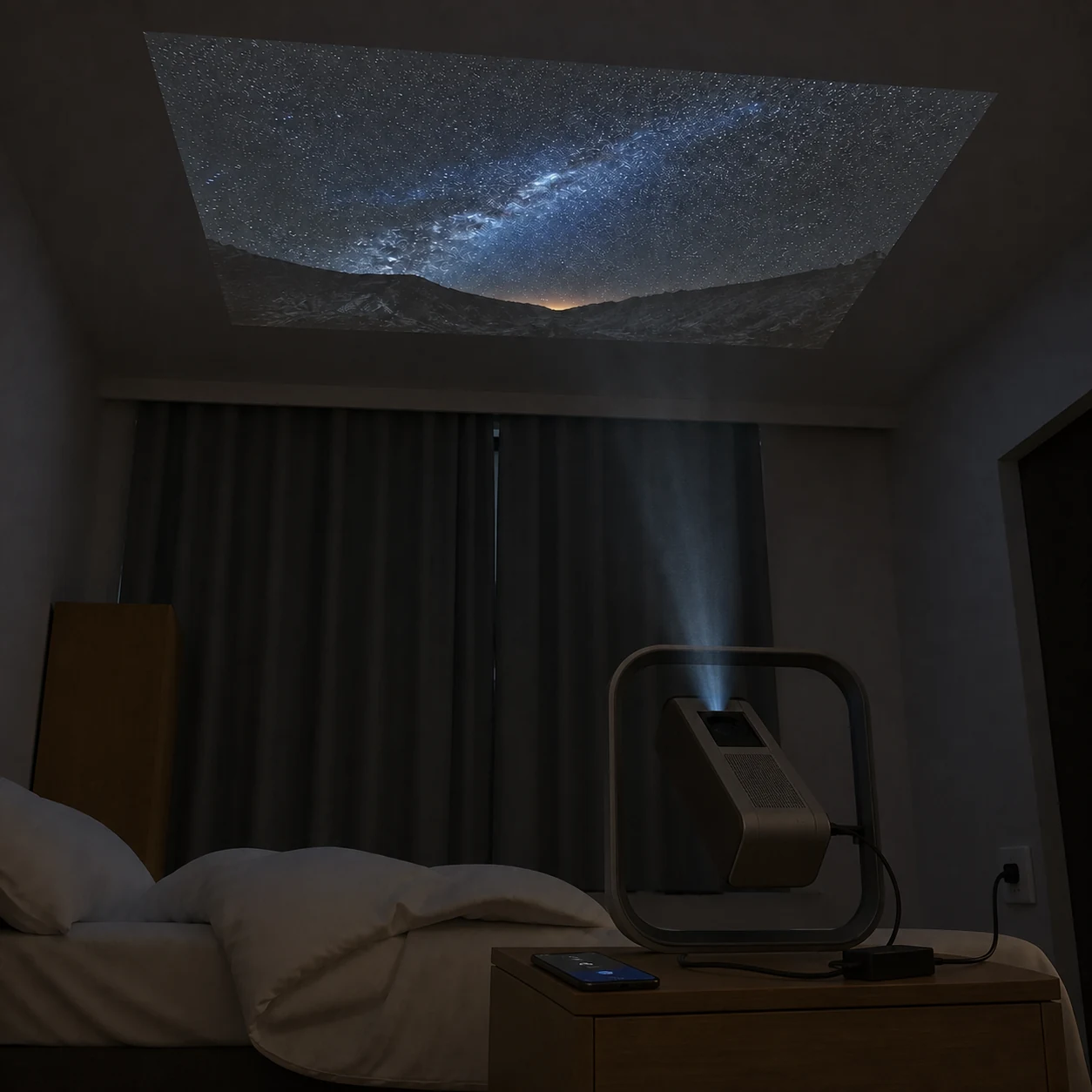
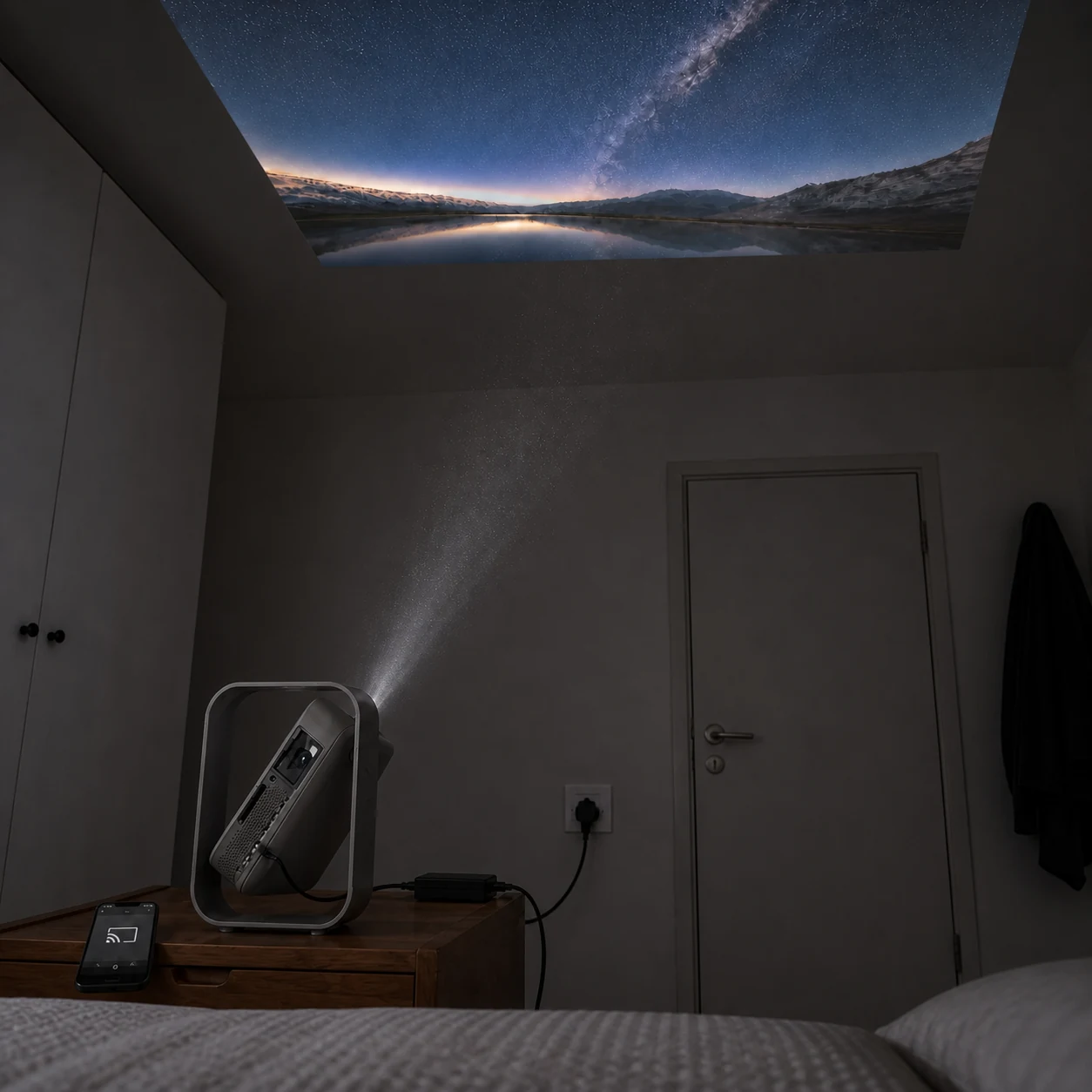
Powered bedside projector tilted toward a sharp ceiling picture with the light path and wireless-cast phone visible
02 · Bedroom ceiling

Finish an episode without sitting upright

Conventional projectors need a tripod, stacked books or a permanent ceiling mount before the lens can point safely upward.

The integrated frame supports the tilted body while a visible power lead and wireless-cast phone keep the signal chain simple beside the bed.
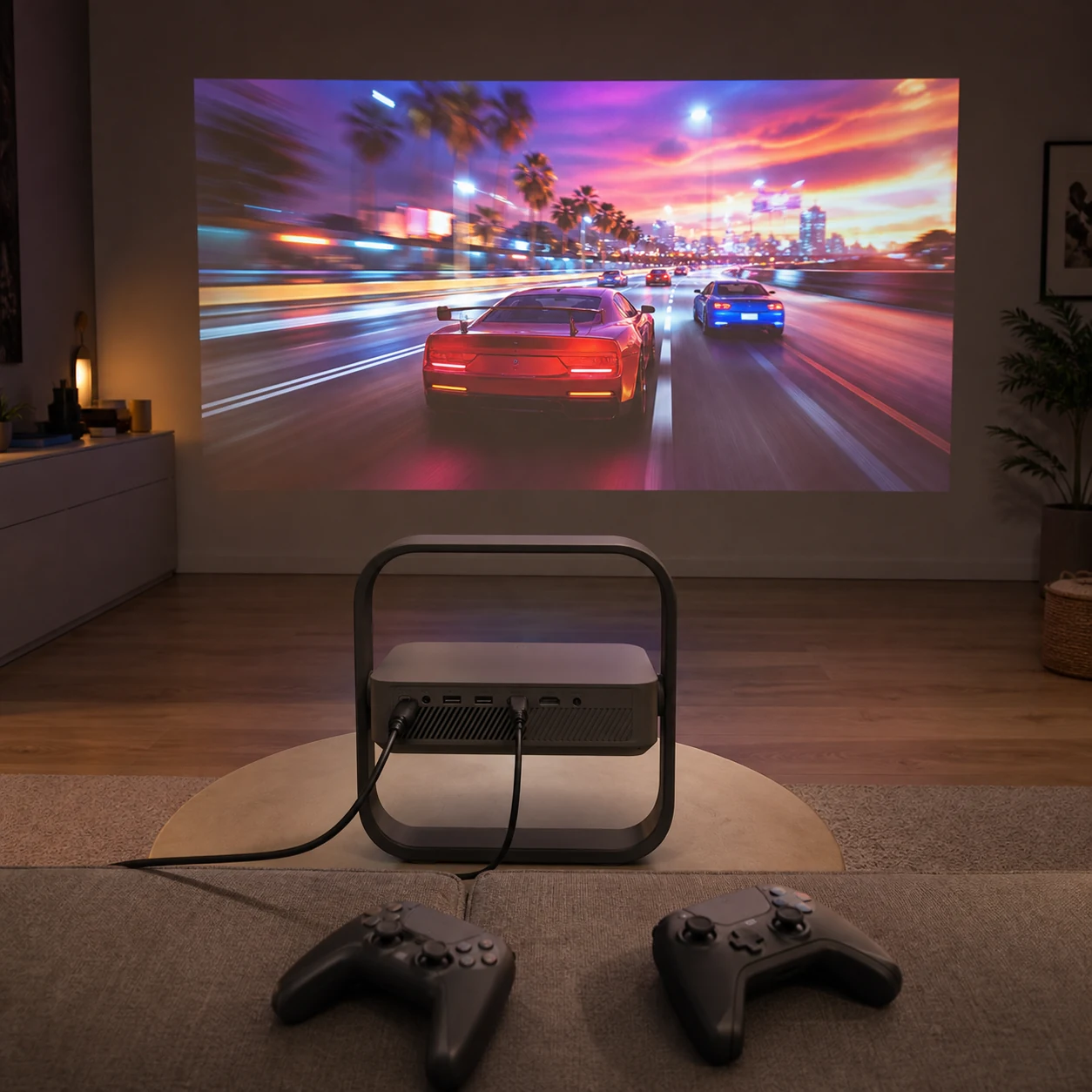
Rear ports and cables visible while a generic racing game is projected straight ahead
03 · Games console

Keep controls responsive

Extra processing can make fast games feel delayed.

A supported 1080p/120 Hz game mode reduces input delay to the reference 1 ms condition.
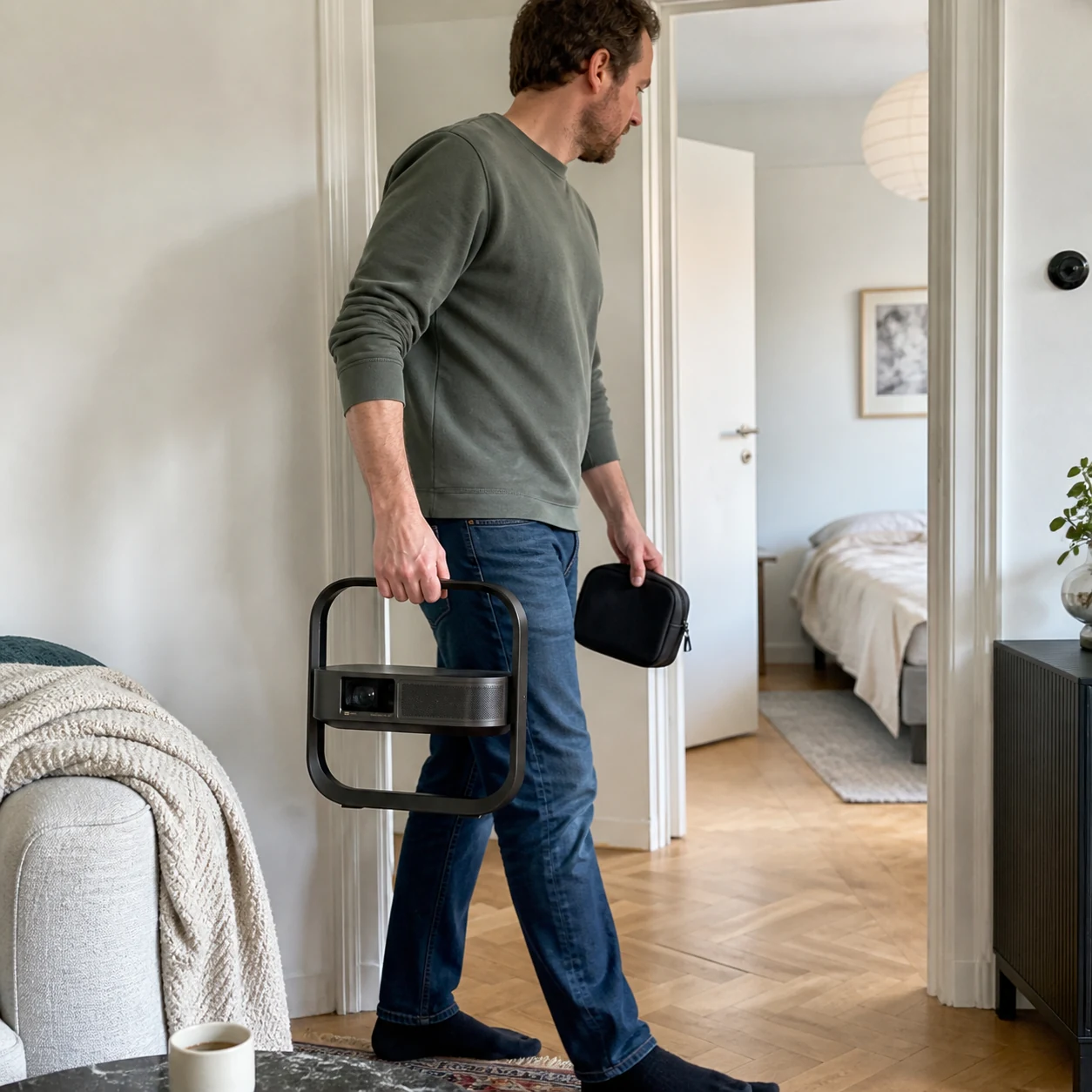
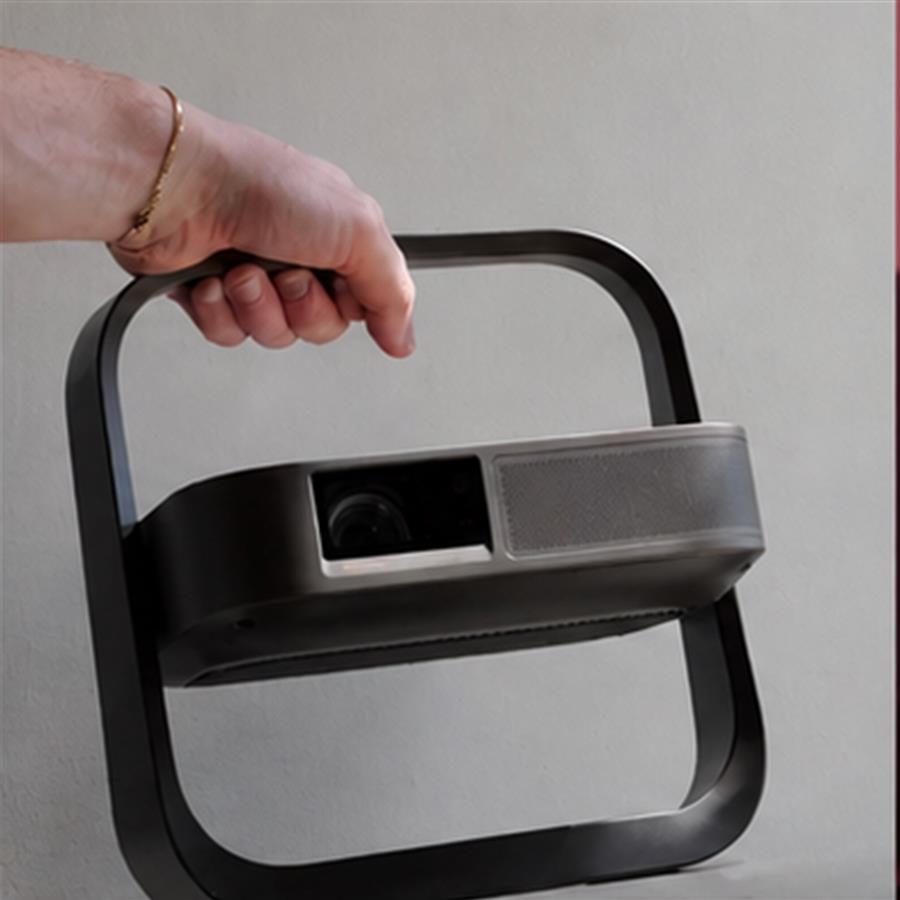
Person carrying the projector by its integrated frame while holding the remote and power lead in a small pouch
04 · Move between rooms

Move the whole setup in one trip

A projector, tripod, speaker, remote and loose cables often take two journeys between rooms and are easy to leave scattered.

Carry the 1.55 kg unit by its frame and keep the remote plus power lead together in one small pouch; the 7 W speaker remains built in.

Why choose this format

A complete projector that does not need a separate stand.

The comparison uses format-level differences and does not name a competing brand.

What mattersThis flip-frame projectorBasic fixed-angle projector
Projection angleIntegrated rotating frame for wall or ceilingOften needs books, tripod or mount
Image sizing0.98–1.30:1 optical zoomUsually move the whole projector
SetupAuto focus, keystone, alignment and obstacle avoidanceMore manual adjustment
Connectivity2 HDMI, 2 USB, eARC, Wi-Fi 6Fewer inputs vary by model
Carry and storage1.55 kg; frame folds flatSeparate stand adds pieces

USED IN REAL HOMES

Ten households, ten different setups.

4.8★★★★★10 stories
Rear of the projector facing the sofa while a film image lands on the opposite wall
★★★★★

The cables finally sit behind the picture

We put it on the coffee table for Friday film night, and the HDMI and power cables stay on the side facing us while the lens points cleanly at the wall. I still close the curtain halfway for darker scenes, but setup is much tidier than our old stack of books.
Marta K.Berlin, DE · Friday film night
Bedside projector tilted upward with the optical glass, aligned light path, ceiling image, adapter and wall outlet visible
★★★★★

Ceiling viewing is better than I expected

I angle the projector up from the bedside table and can watch without rearranging the room. The ceiling image is easiest to see after the main light is off, and I can hear the fan before the programme starts, but it disappears under normal dialogue.
Inês R.Porto, PT · Bedroom ceiling
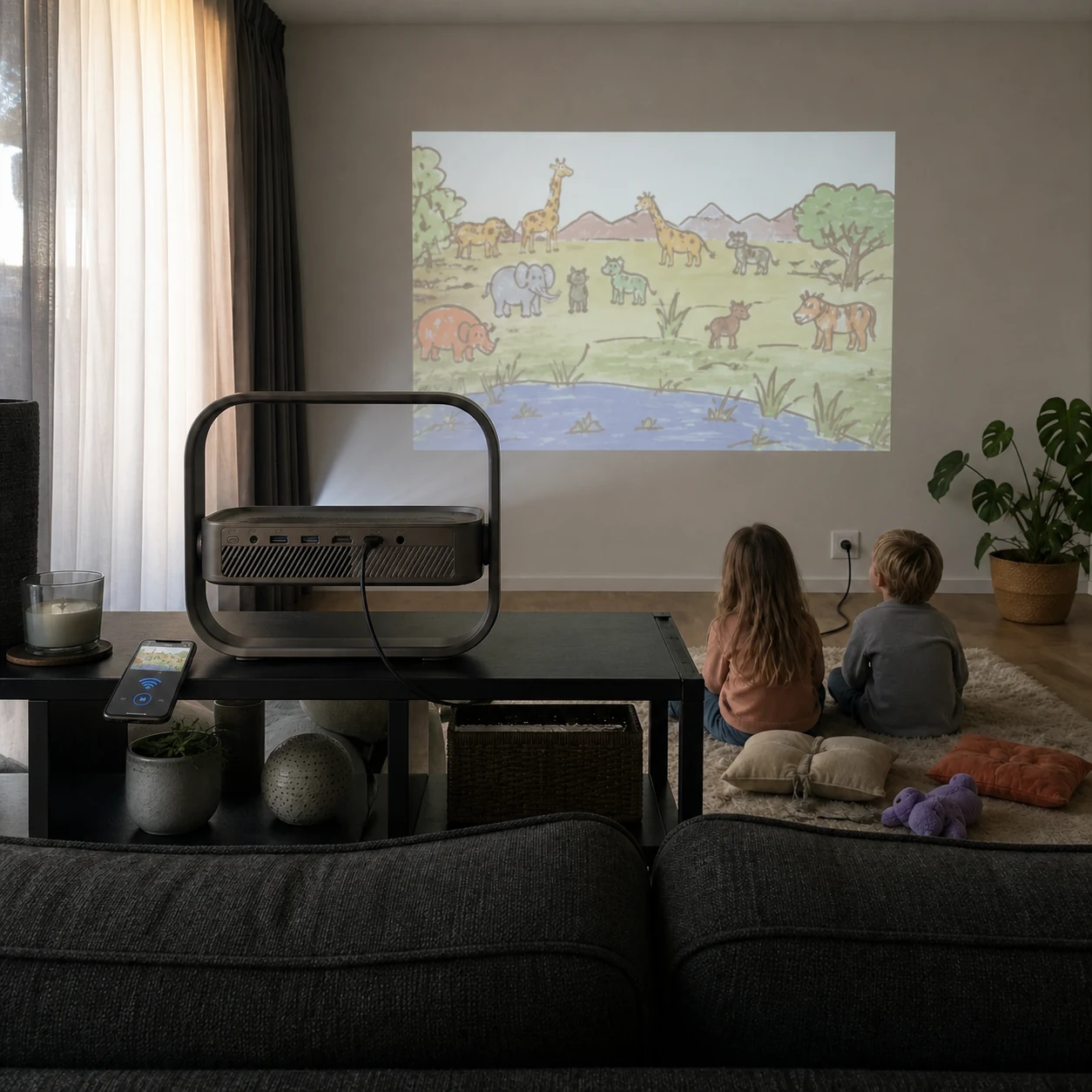
Children watching a generic animation with the projector behind them
★★★★☆

Good for an afternoon cartoon, with the curtains drawn

Our children could see the animation clearly in the afternoon once we pulled the curtains most of the way. I sent the video from my phone over Wi-Fi and left the projector powered behind them instead of in the middle of the floor; daylight still softens the blacks, so I would not expect cinema contrast at noon.
Sanne D.Utrecht, NL · Family animation
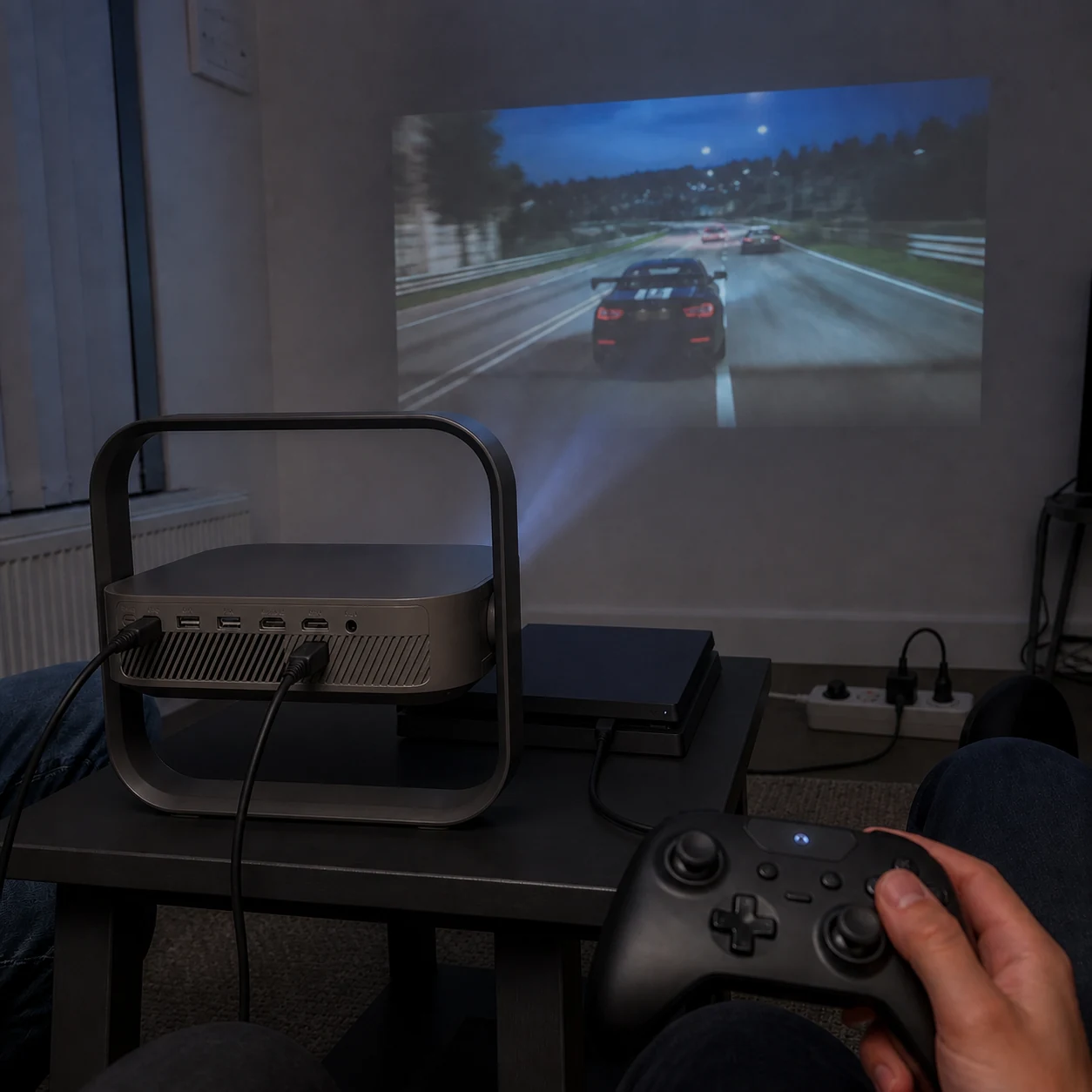
A controller in hand with the projector rear and a generic racing game ahead
★★★★★

Racing night felt responsive after one setting change

We connected the console by HDMI and switched to the supported game mode before starting. Steering felt direct and the picture filled our small wall without moving the table; the only thing I had to remember was choosing that mode manually.
Cian M.Dublin, IE · Console racing
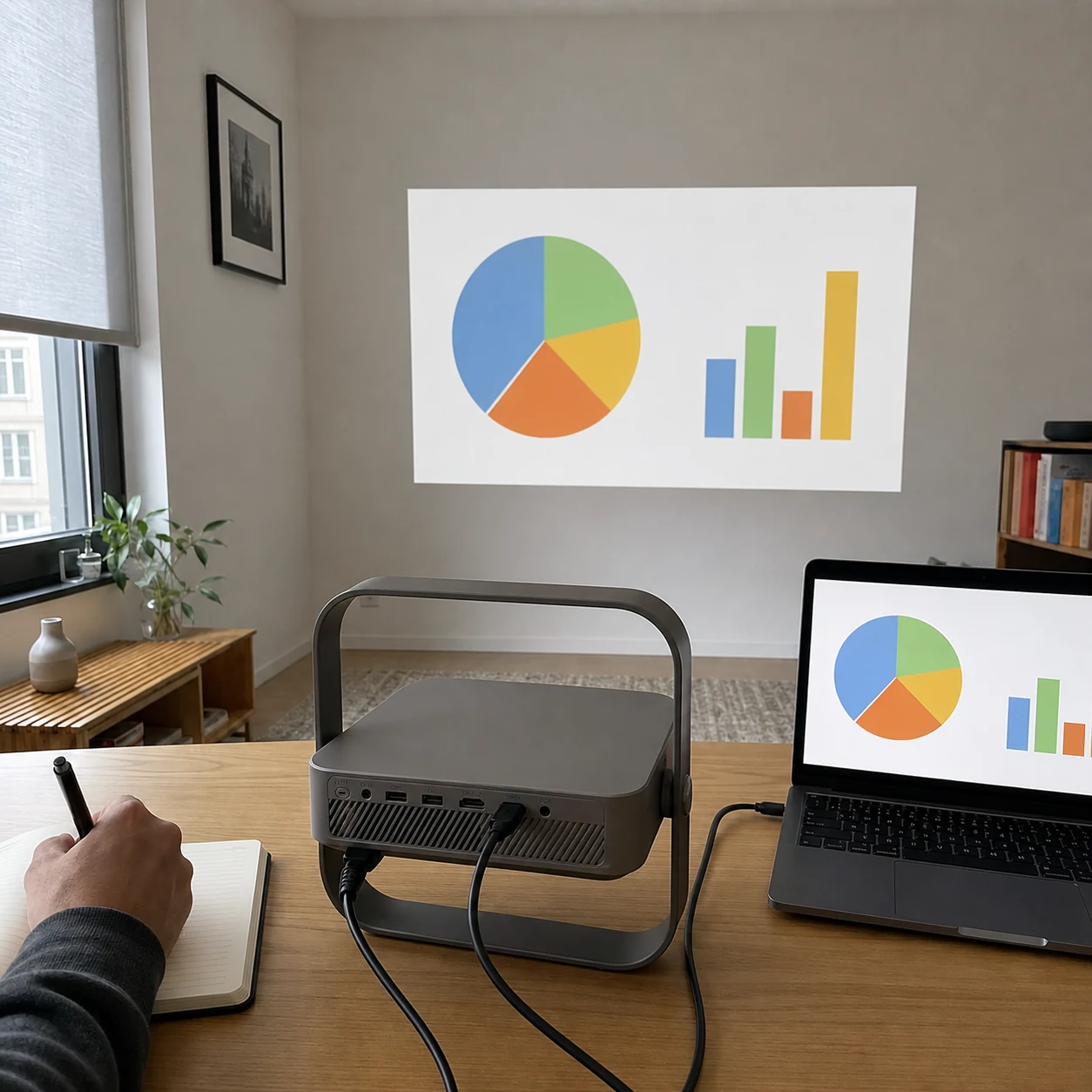
Rear projector ports connected to a laptop with the matching chart directly ahead on the wall
★★★★★

A useful second screen for a small meeting

I used my own HDMI cable from the laptop and projected a simple chart for three colleagues at home. Text stayed readable from the table and the optical zoom helped fit the free wall; in full daylight the colours were lighter, so we lowered the blind a little.
Jonas B.Hamburg, DE · Home-office presentation
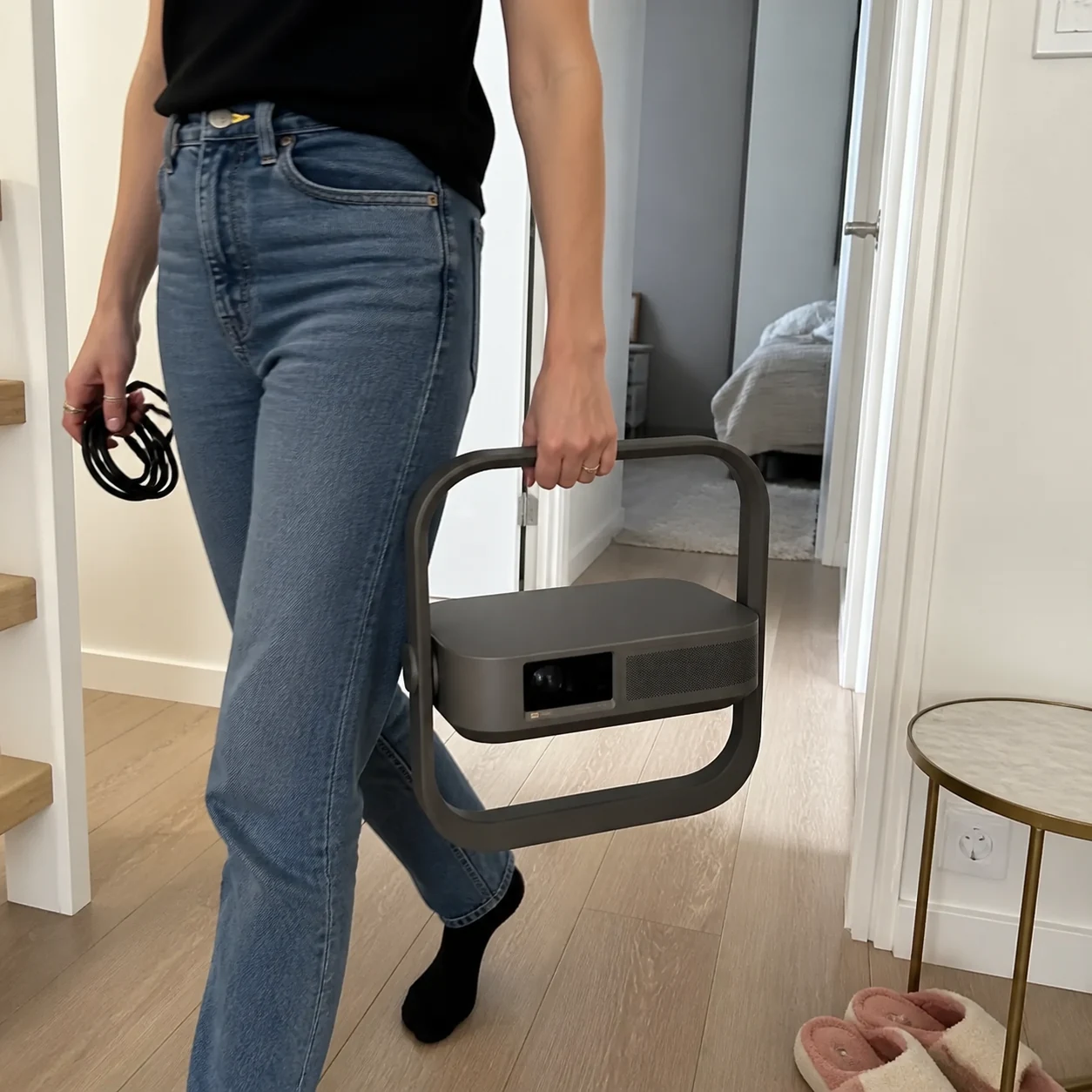
Woman carrying the projector by its square frame through a hallway
★★★★★

Moving it upstairs really is a one-hand job

I carry the projector by the outer frame and keep the power lead coiled in my other hand. It feels more secure than gripping the lens housing, although it still needs a power socket in the next room because this is not a battery projector.
Élodie P.Lyon, FR · Moving between rooms
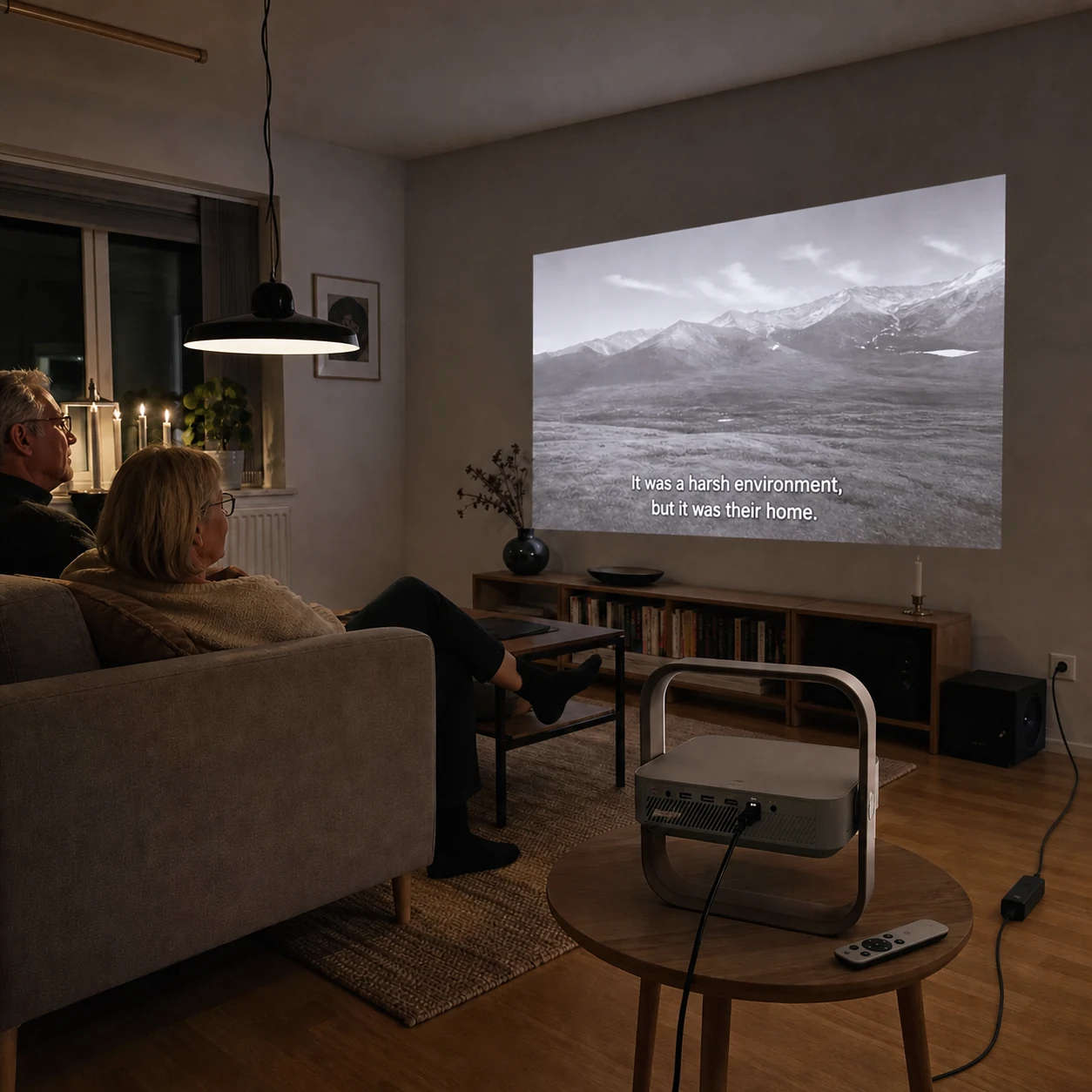
Older couple watching a subtitled landscape documentary with projector behind them
★★★★☆

Subtitles were clear from our normal sofa distance

We opened the documentary from the built-in streaming hub and the subtitles stayed easy to follow without sharpening everything aggressively. Focus needed another quick check after I moved the table, but the remote adjustment took less than a minute.
Erik N.Malmö, SE · Documentary evening
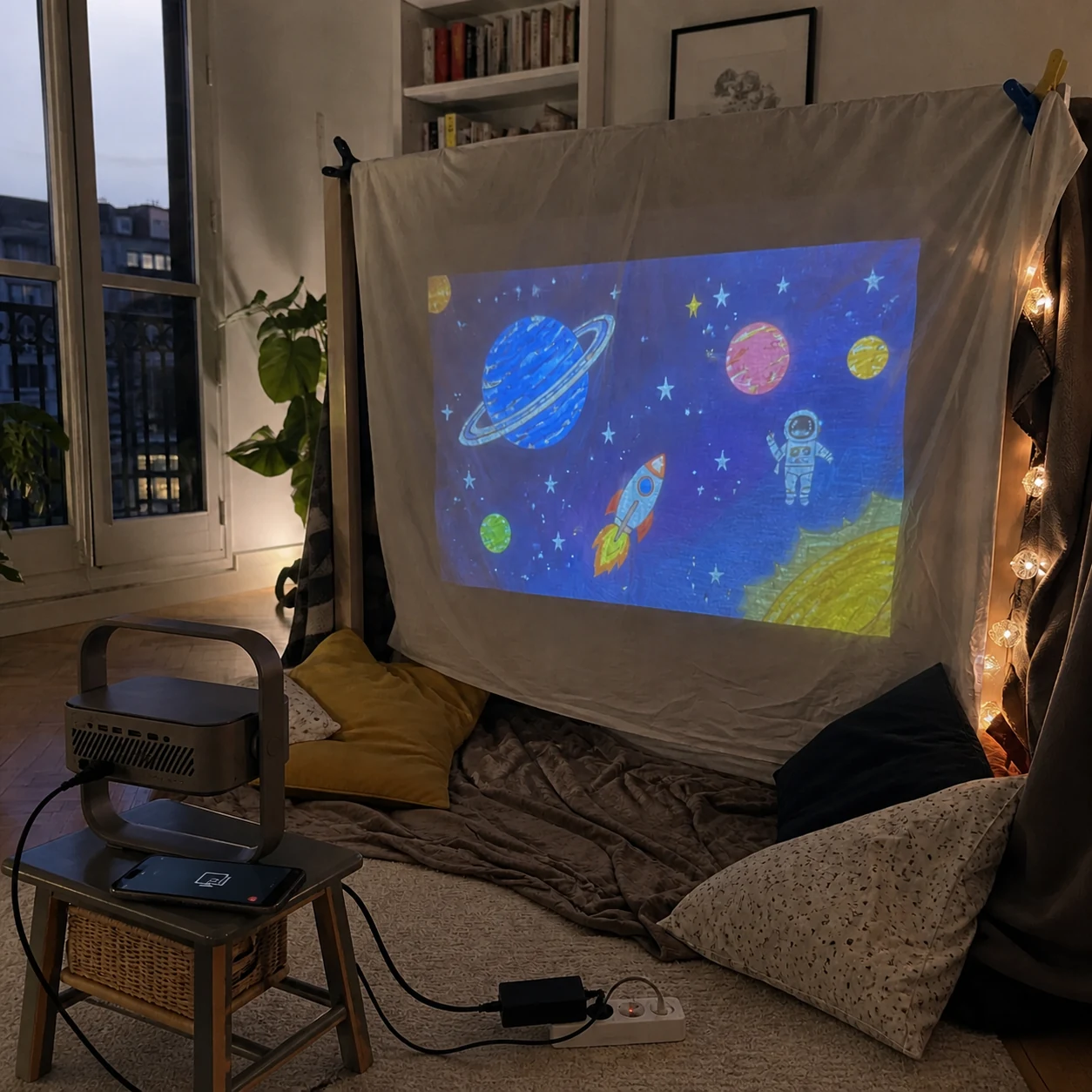
Projector casting a hand-drawn space picture onto a clipped white sheet
★★★★★

Our blanket fort turned into a tiny cinema

We clipped a white sheet across the fort, cast the drawing from my phone and placed the powered projector outside so no one could kick it. The picture followed the wrinkles in the fabric, which actually made the setup feel homemade; it worked best after dusk rather than in bright afternoon light.
Sofía G.Madrid, ES · Children's blanket fort
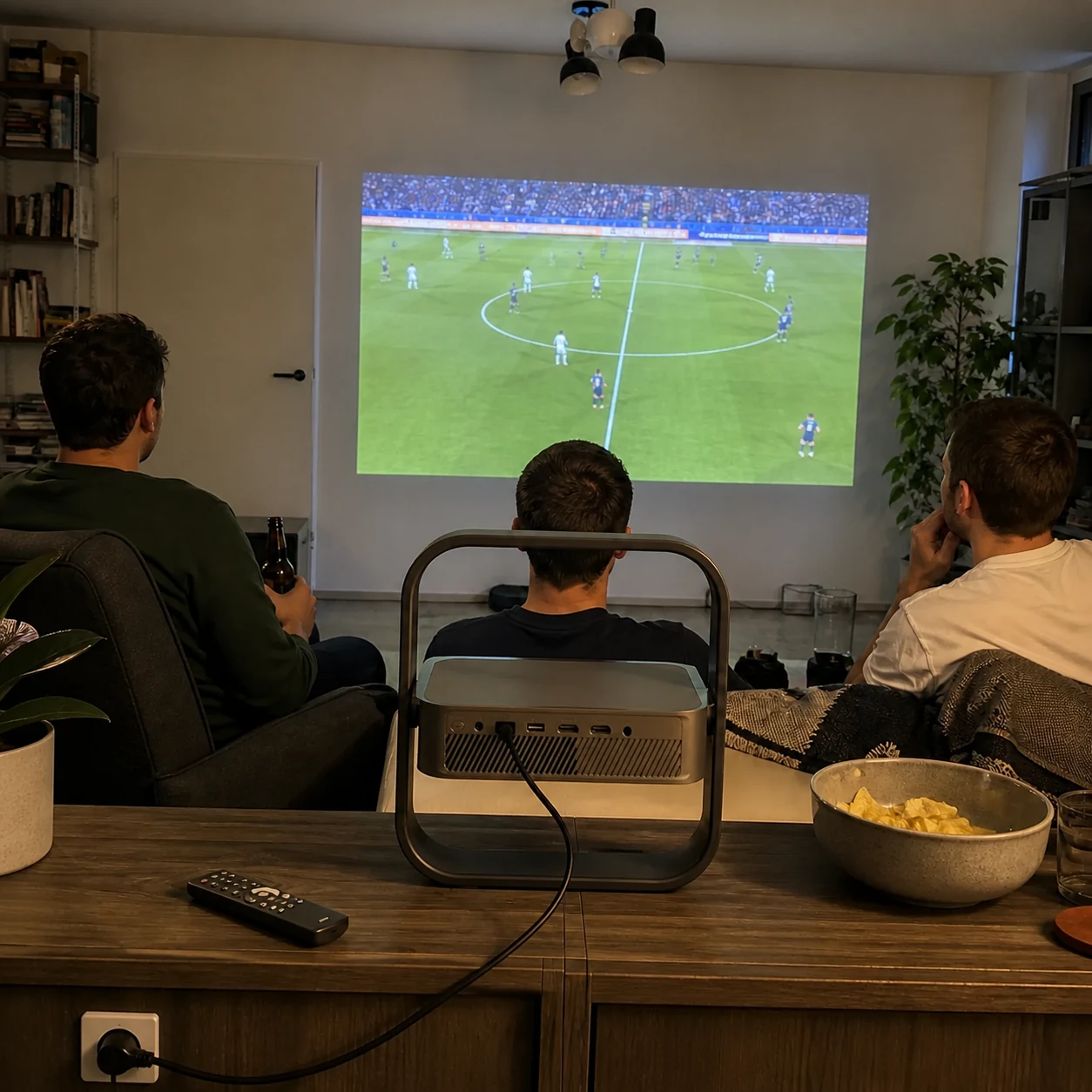
Three friends watching a generic football match with the projector behind the sofa
★★★★★

Big enough for three of us on match night

We opened the match in the built-in streaming hub, put the powered projector behind the sofa and left the coffee table free for snacks. The built-in speaker was fine for our small room, though I would connect a separate speaker if more people came over for a louder crowd atmosphere.
Tomasz W.Kraków, PL · Football night
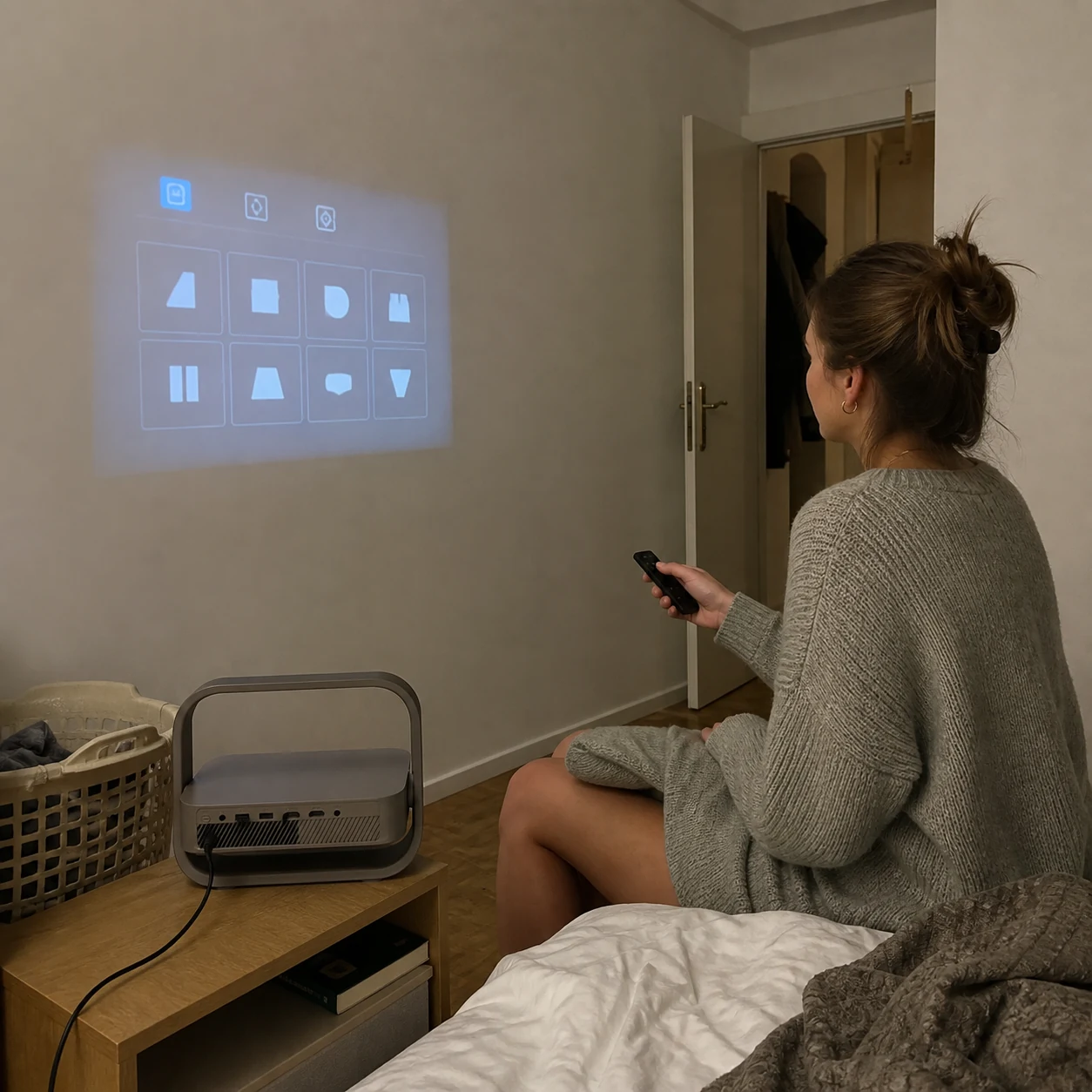
Woman using the remote while the projector settings grid appears on the wall
★★★★★

The first setup took a few minutes, then it stayed simple

I used the remote to square the picture from the bed and saved the position for the wall. The controls were not instant to learn, but after the first evening I only needed power and source selection when I used it again.

Anna H.Vienna, AT · Bedroom setup

Product, delivery and aftercare

The important questions before you decide.

support@cxacxc.com

Projector and setup

Can it project on the ceiling?+

Yes. Rotate the projector bar upward inside the frame, place the frame on a stable surface and run automatic alignment.

Do I need to move it to change picture size?+

Small size adjustments can be made with the 0.98–1.30:1 optical zoom. Larger changes still depend on throw distance.

What picture size works best?+

The reference supports 40–200 inches, with 60–150 inches recommended for the best balance of brightness and detail.

Can I connect a console and soundbar?+

Yes. There are two HDMI inputs, including one eARC-capable connection, plus two USB ports and 3.5 mm audio.

Is the 1 ms response available at 4K?+

The reference 1 ms figure applies to the supported 1080p/120 Hz game-mode condition, not every resolution or picture mode.

Delivery and aftercare

What arrives in the box?+

Projector, power adapter and regional lead, backlit Bluetooth remote, two AAA batteries, user manual and warranty card.

When is delivery shown?+

The destination-specific method and estimate appear in the native checkout before payment.

How do returns work?+

Eligibility and timing follow the canonical returns policy linked in the footer.

What if setup is unclear?+

Contact support with the order number and a photo of the placement so the team can help with angle, distance and connections.

From wall to ceiling

Choose one compact projector instead of building a stand around it.

Confirm the complete set, check the destination delivery estimate and continue through the store's native checkout.

Vaša košarica

Učitavanje