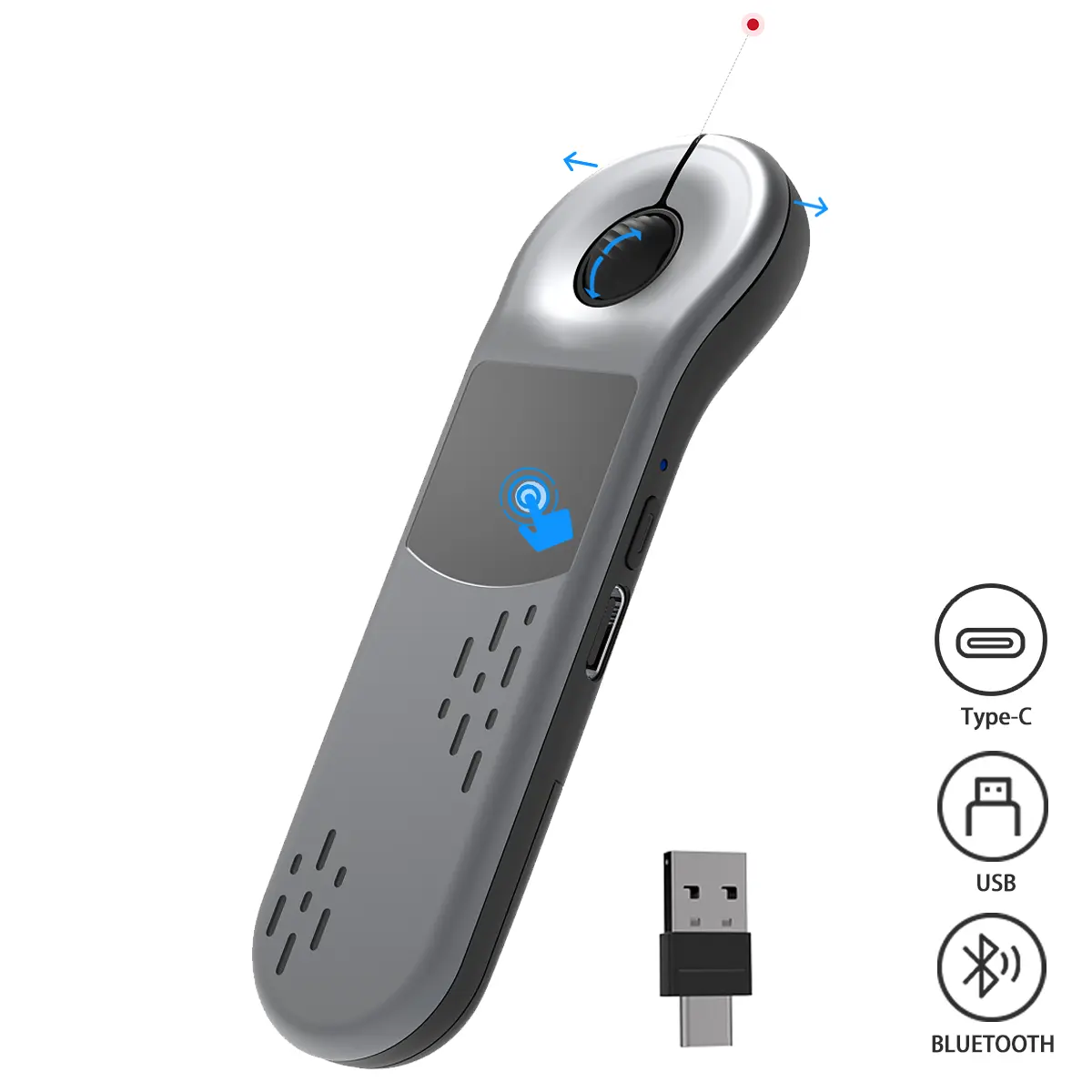
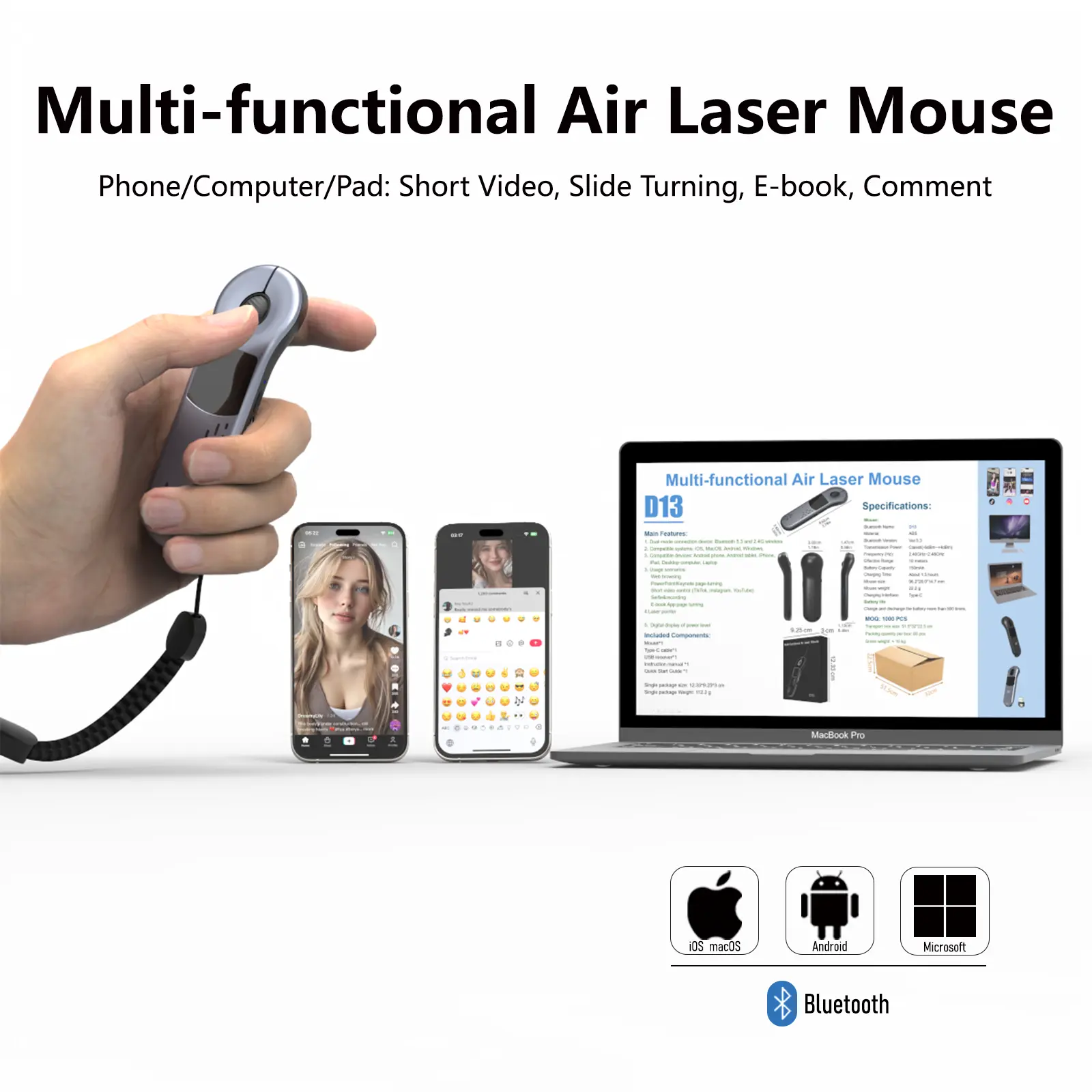
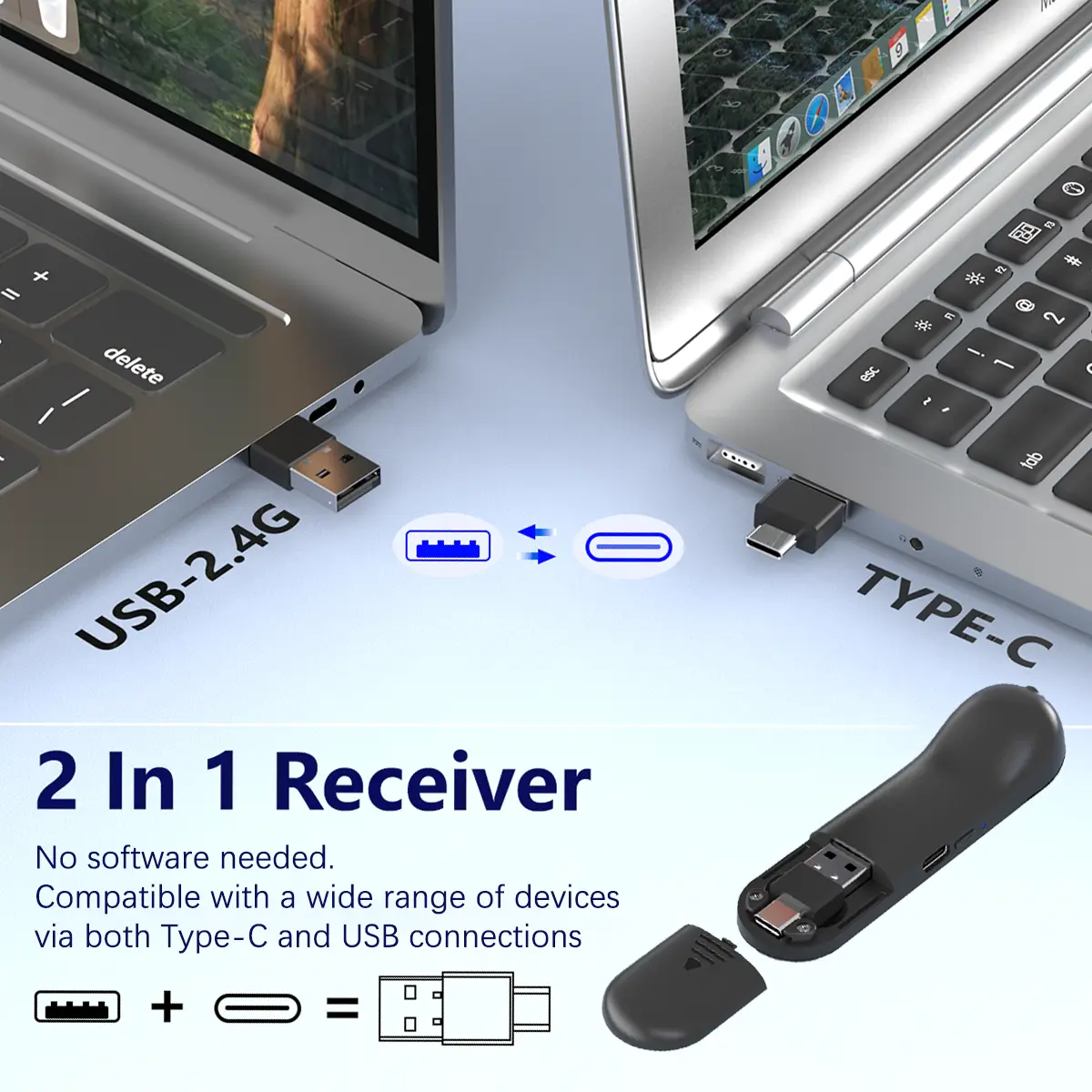
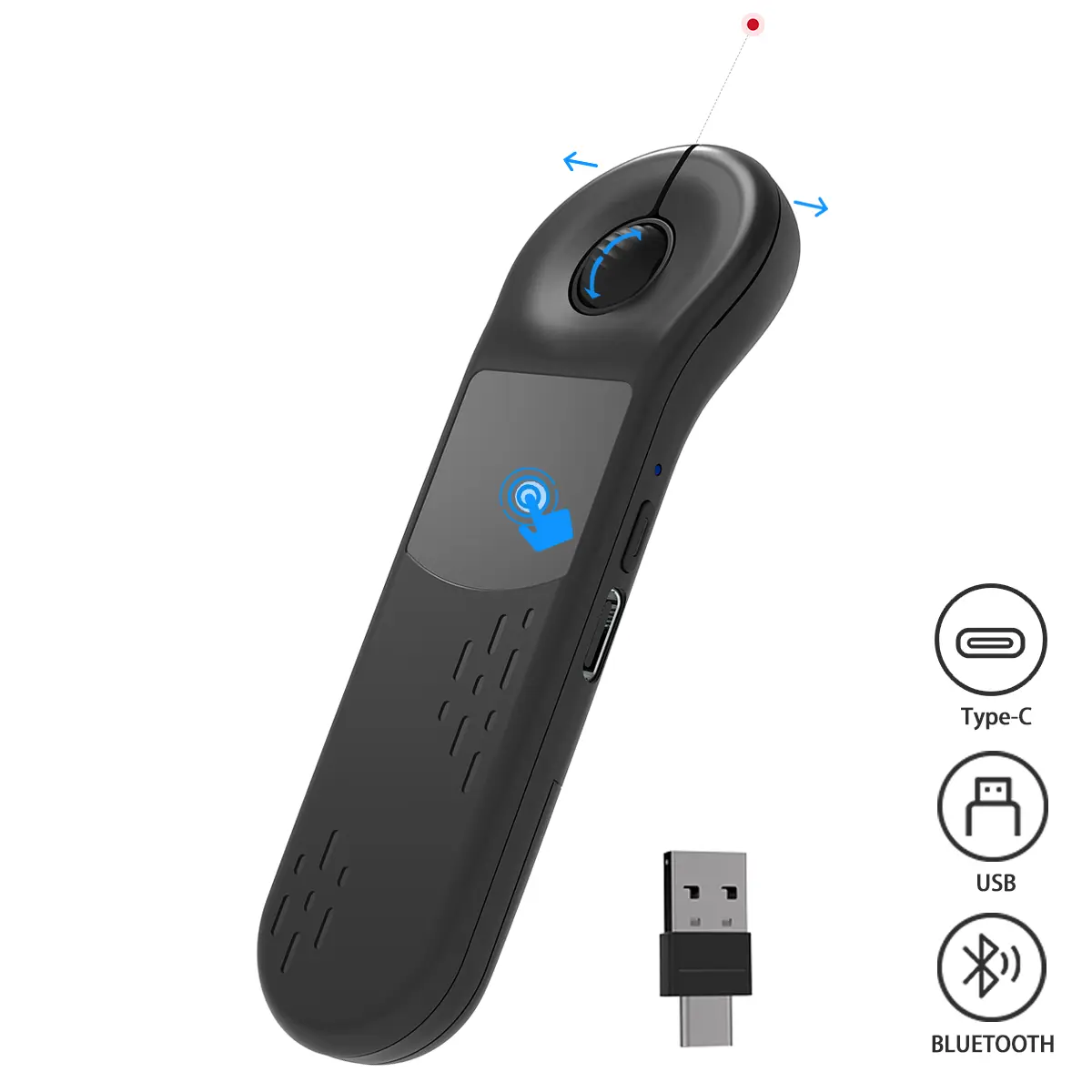
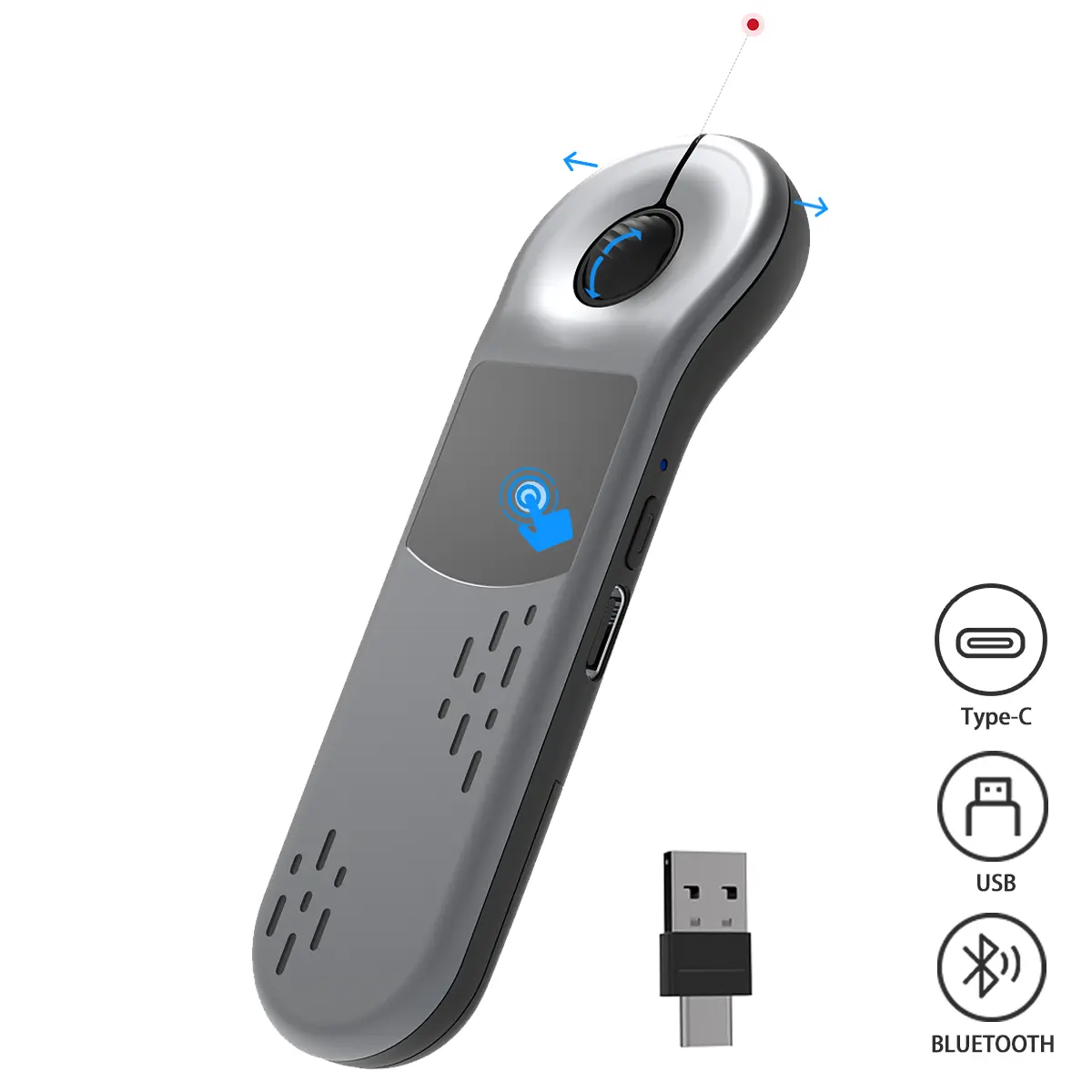
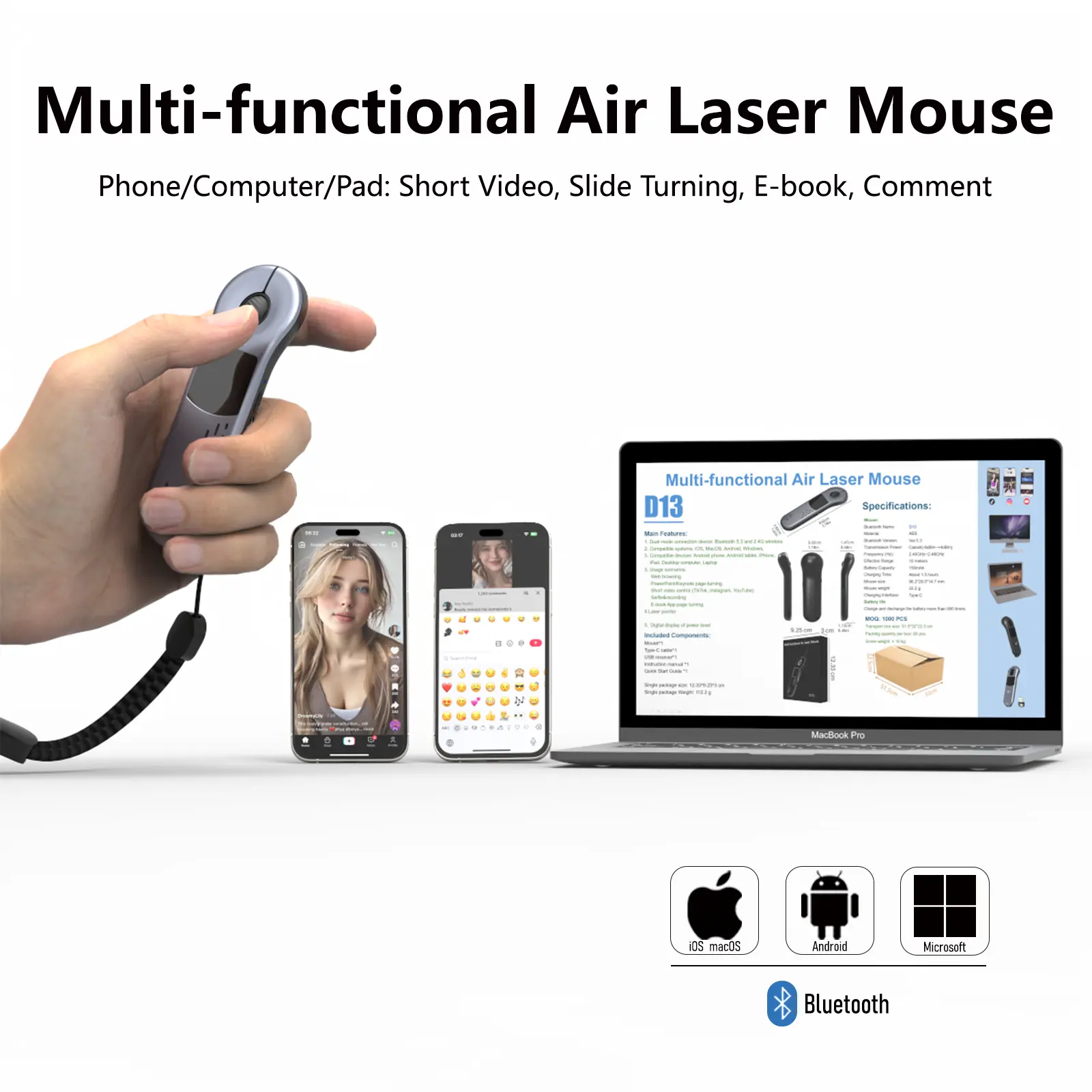
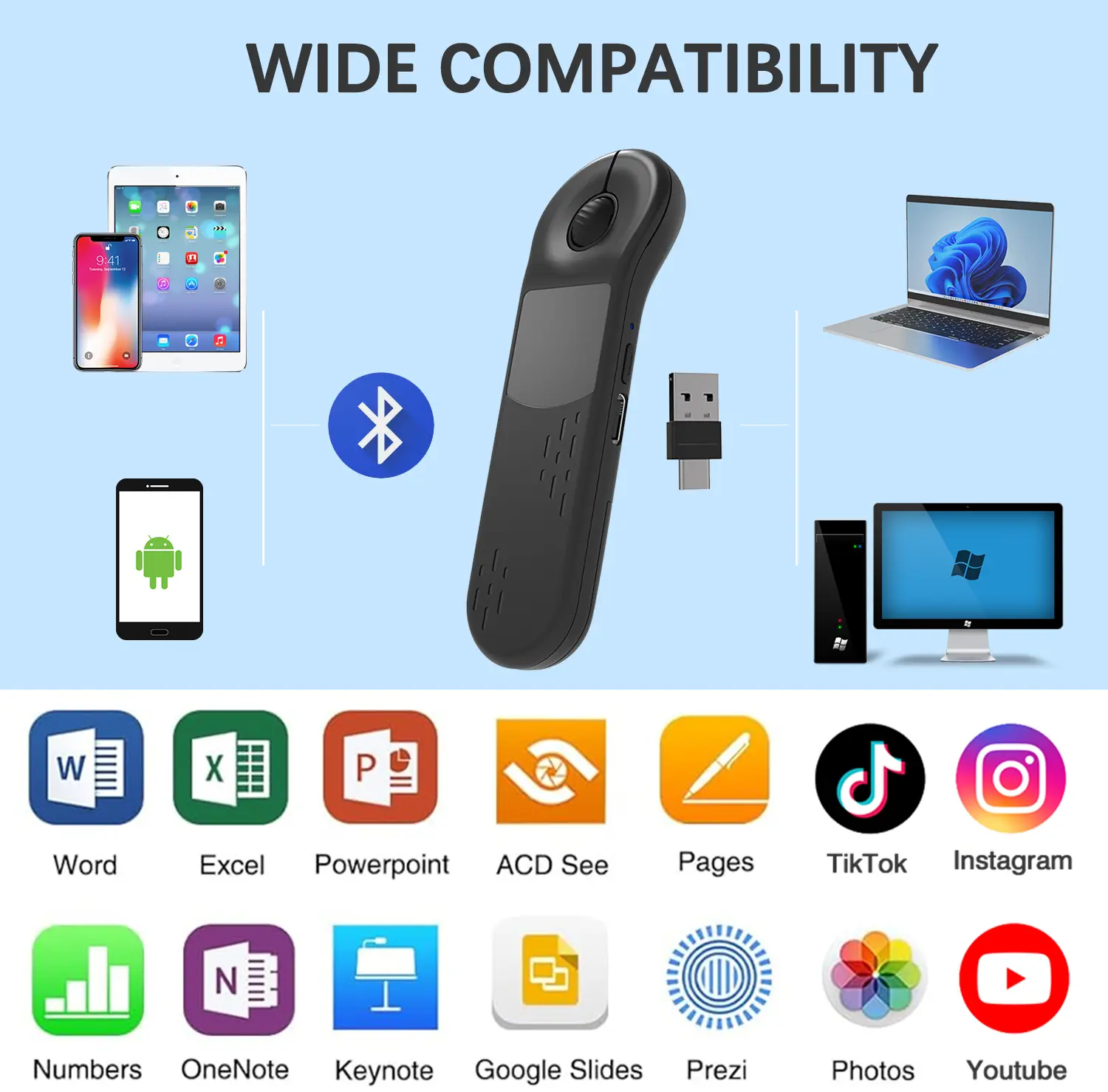
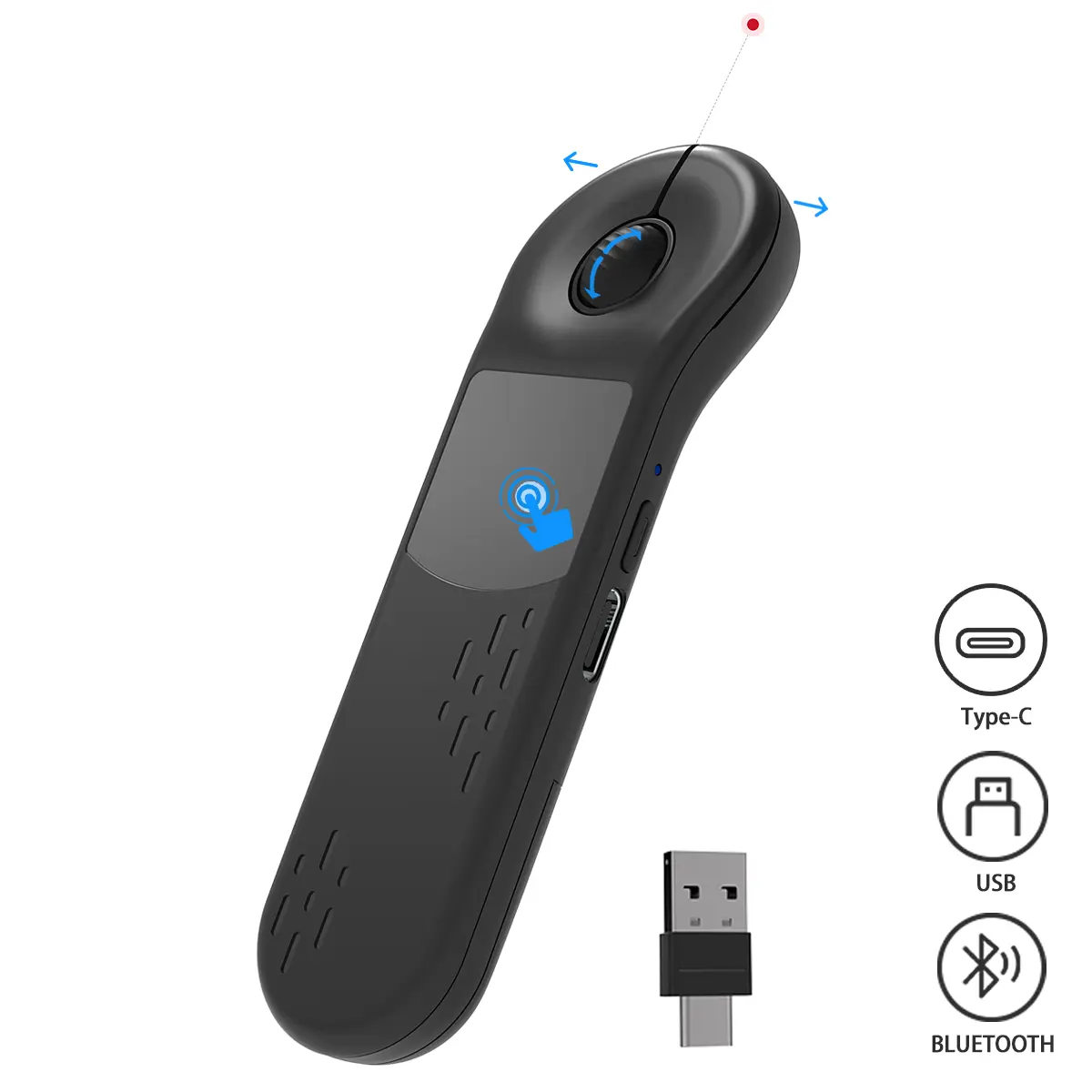
•Dual wireless connection via Bluetooth and 2.4GHz USB receiver
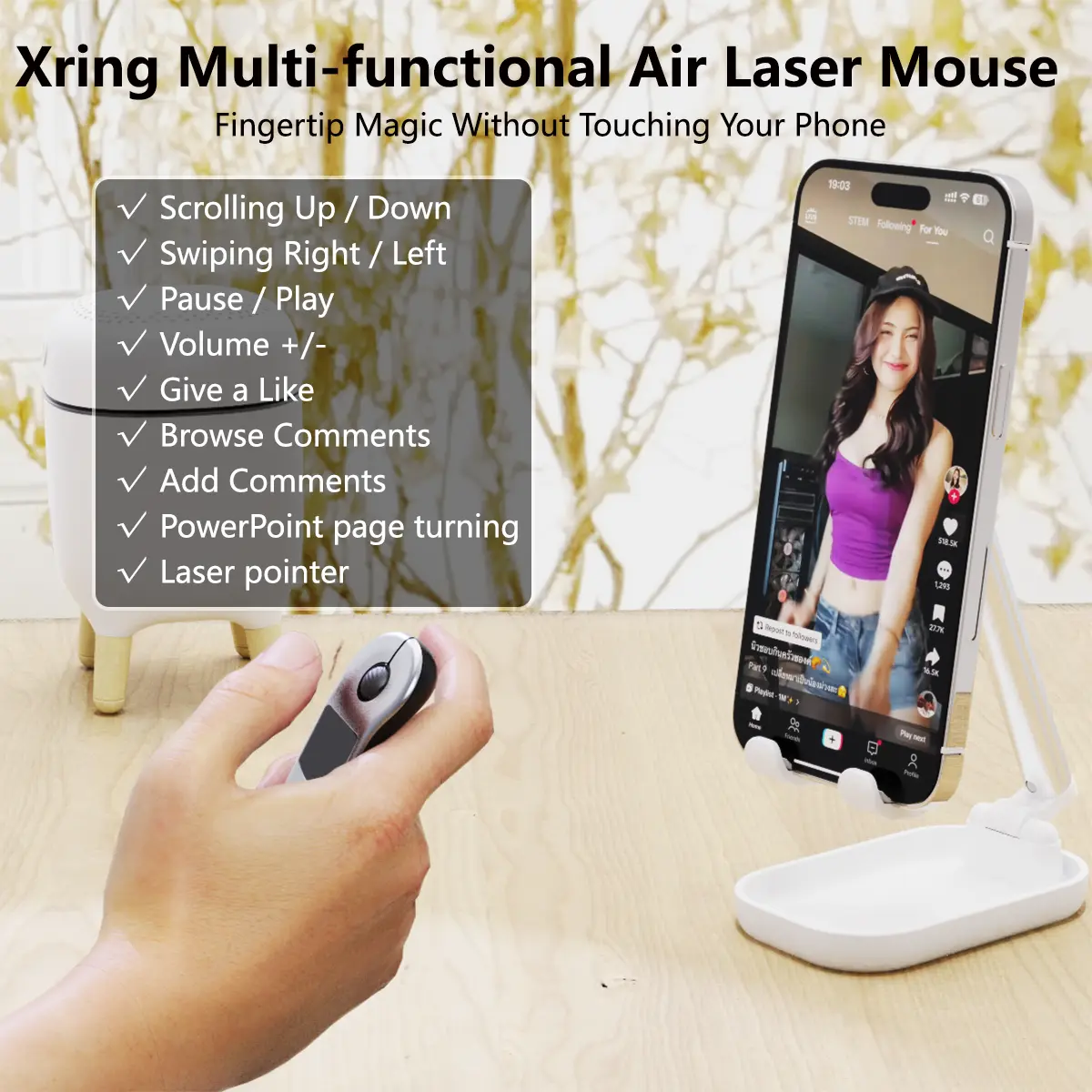
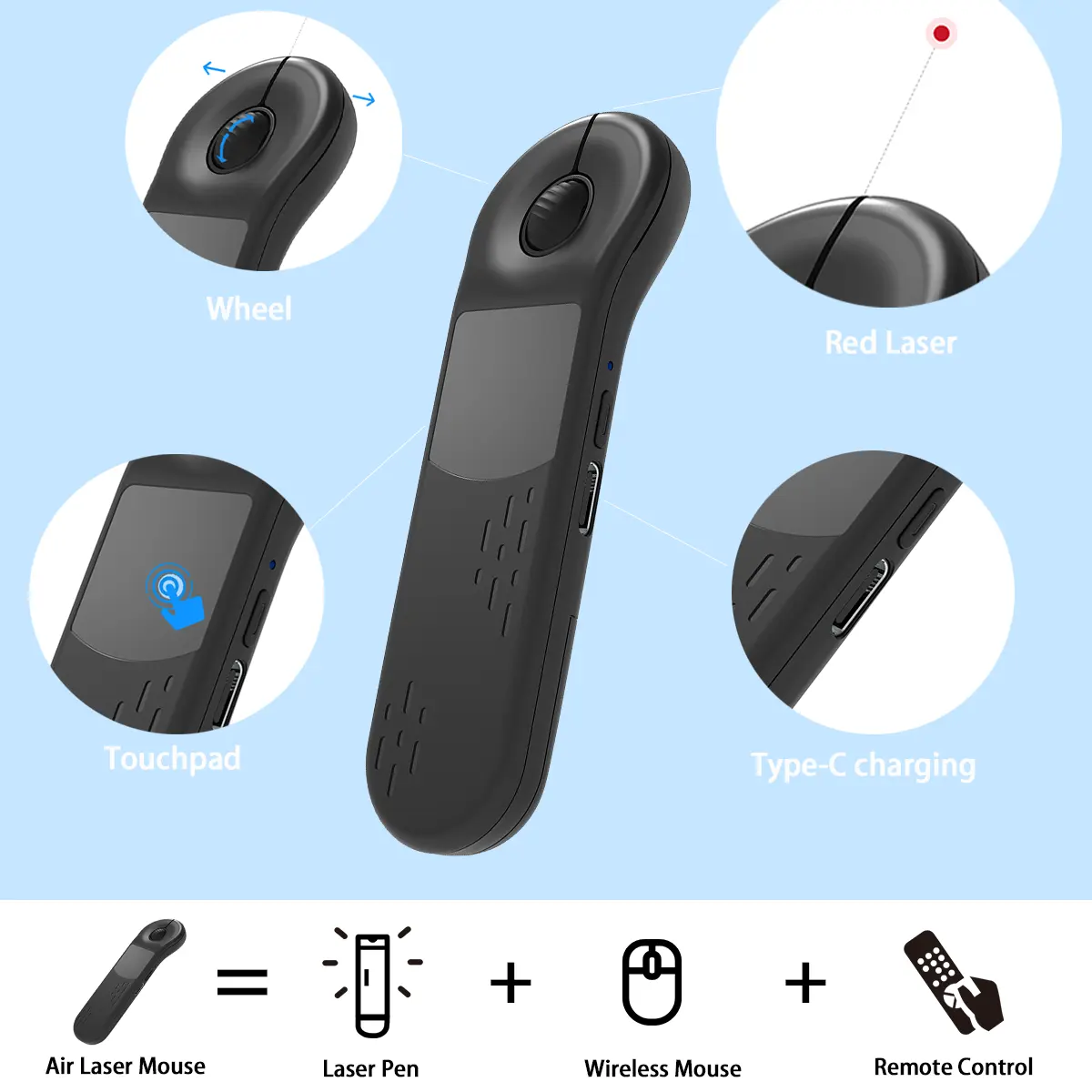
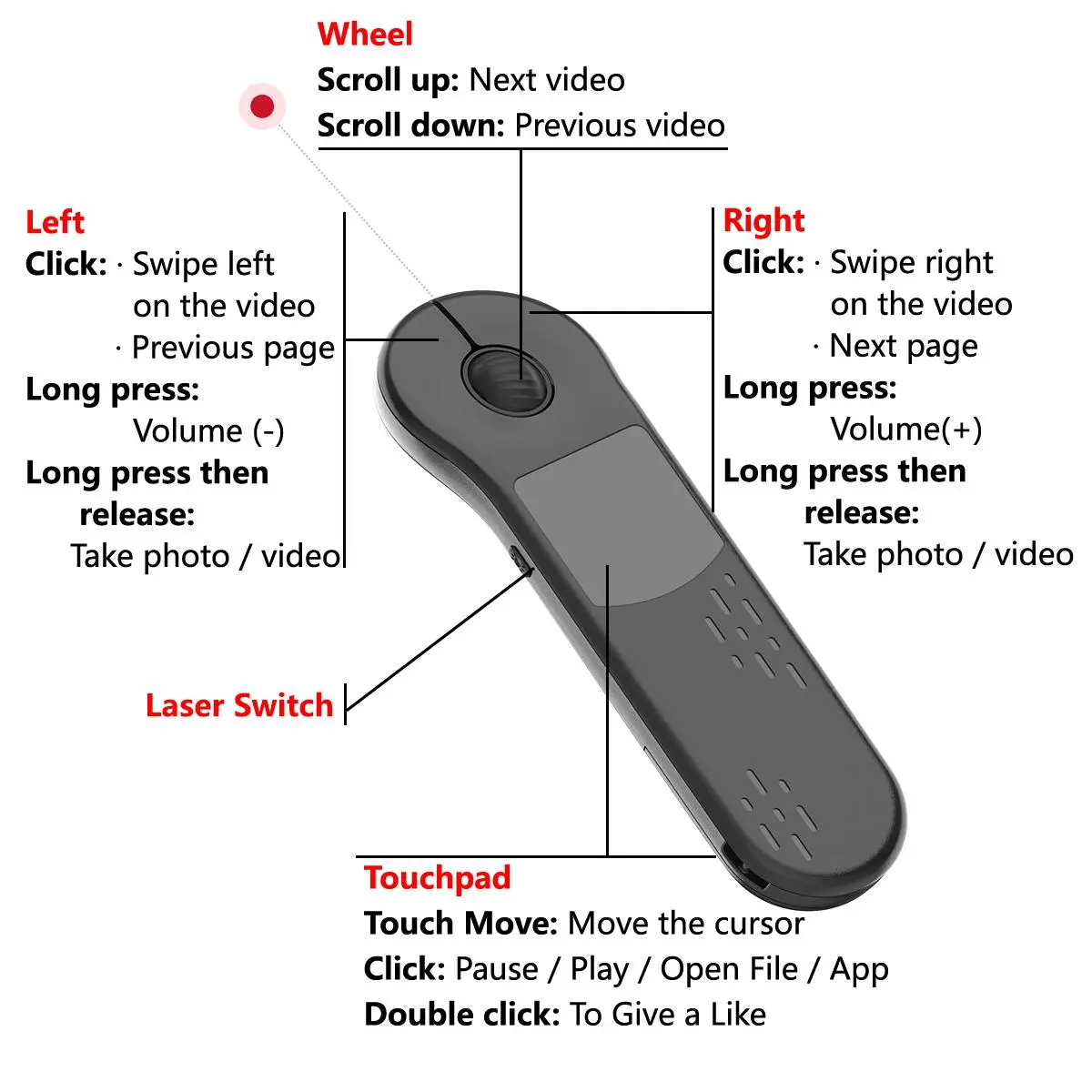
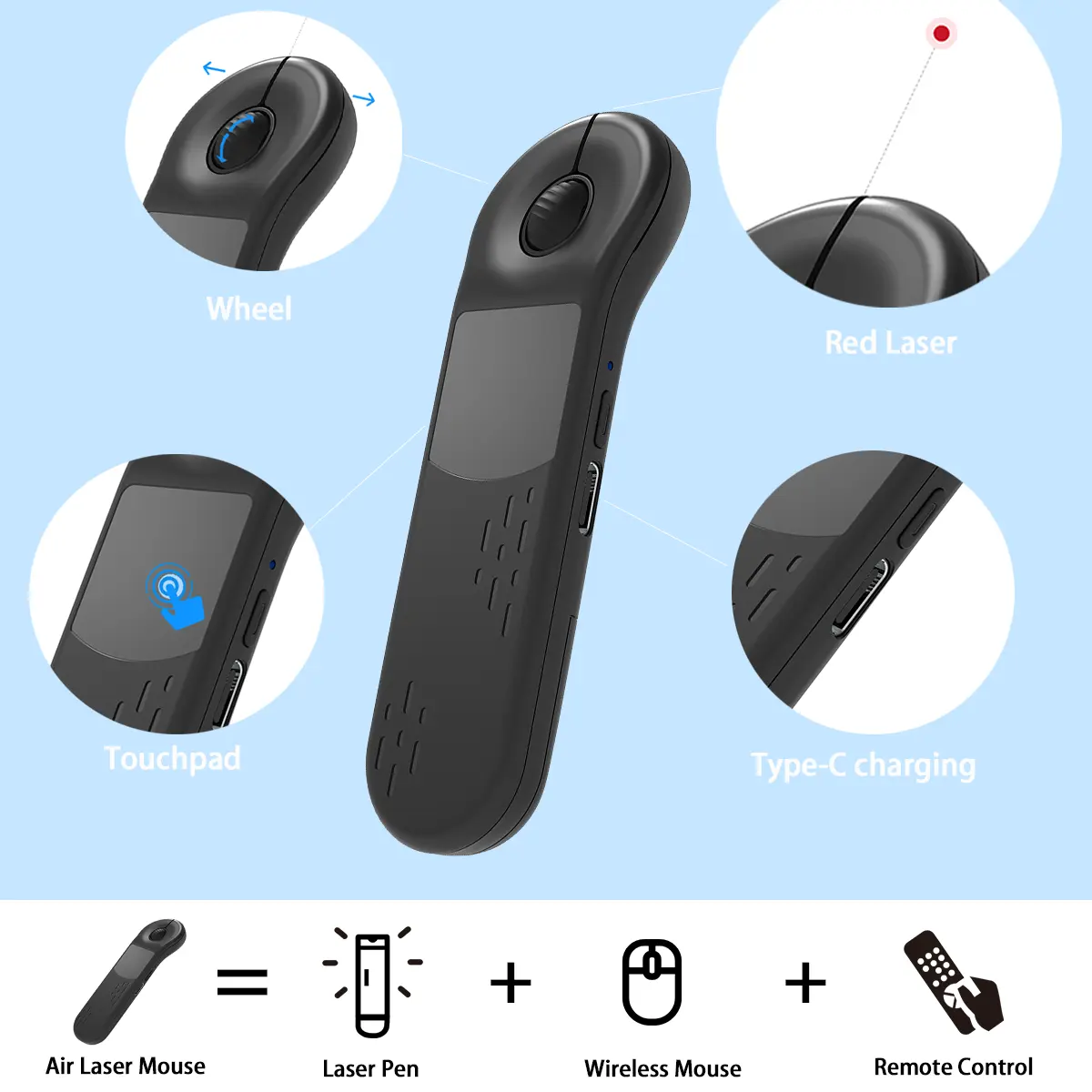
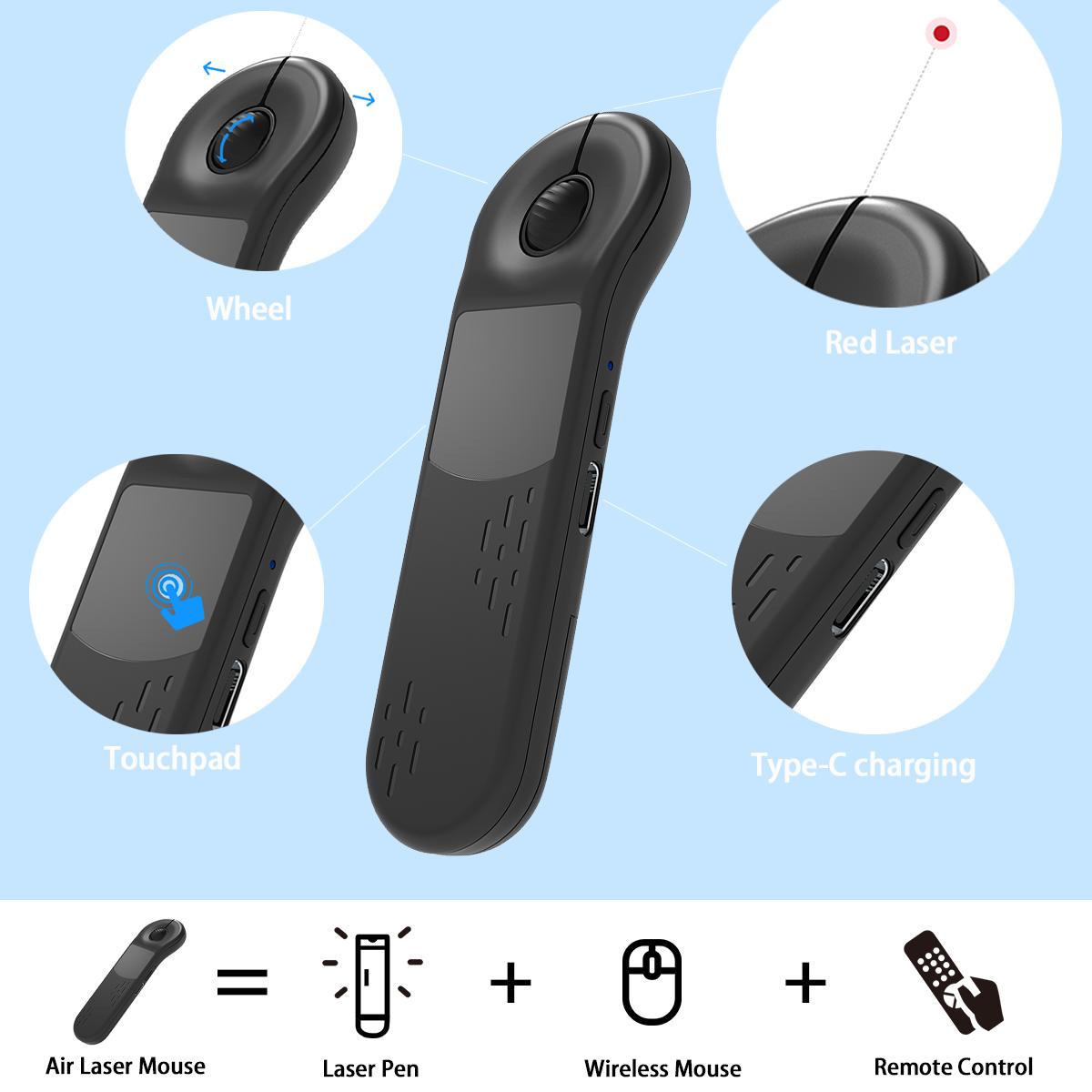
•Responsive touchpad for swiping, clicking, scrolling, and cursor control
•Bright red laser pointer for precise on-screen highlighting
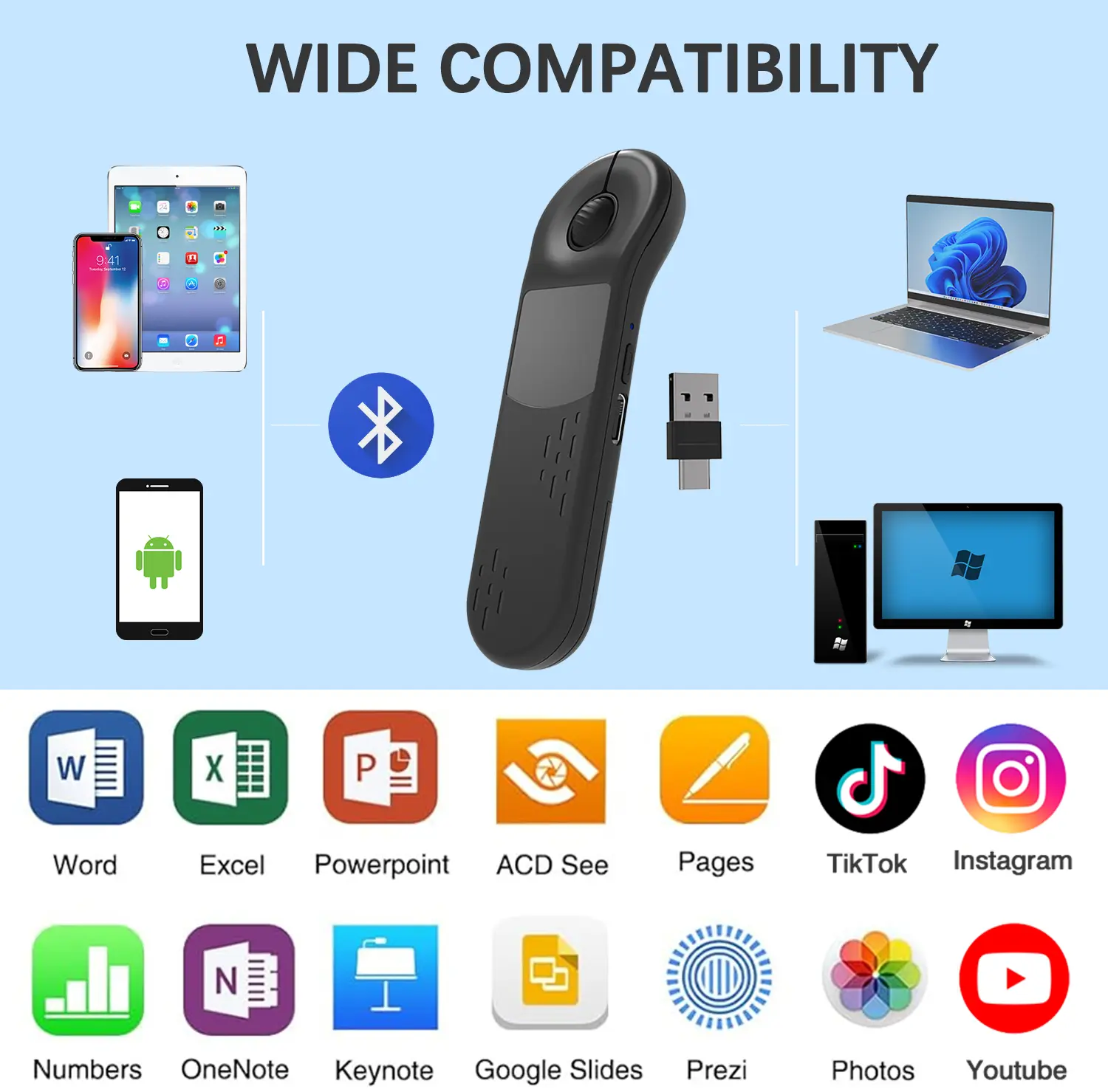
•Compatible with iPad, MacBook, PC, Android tablets, and smartphones
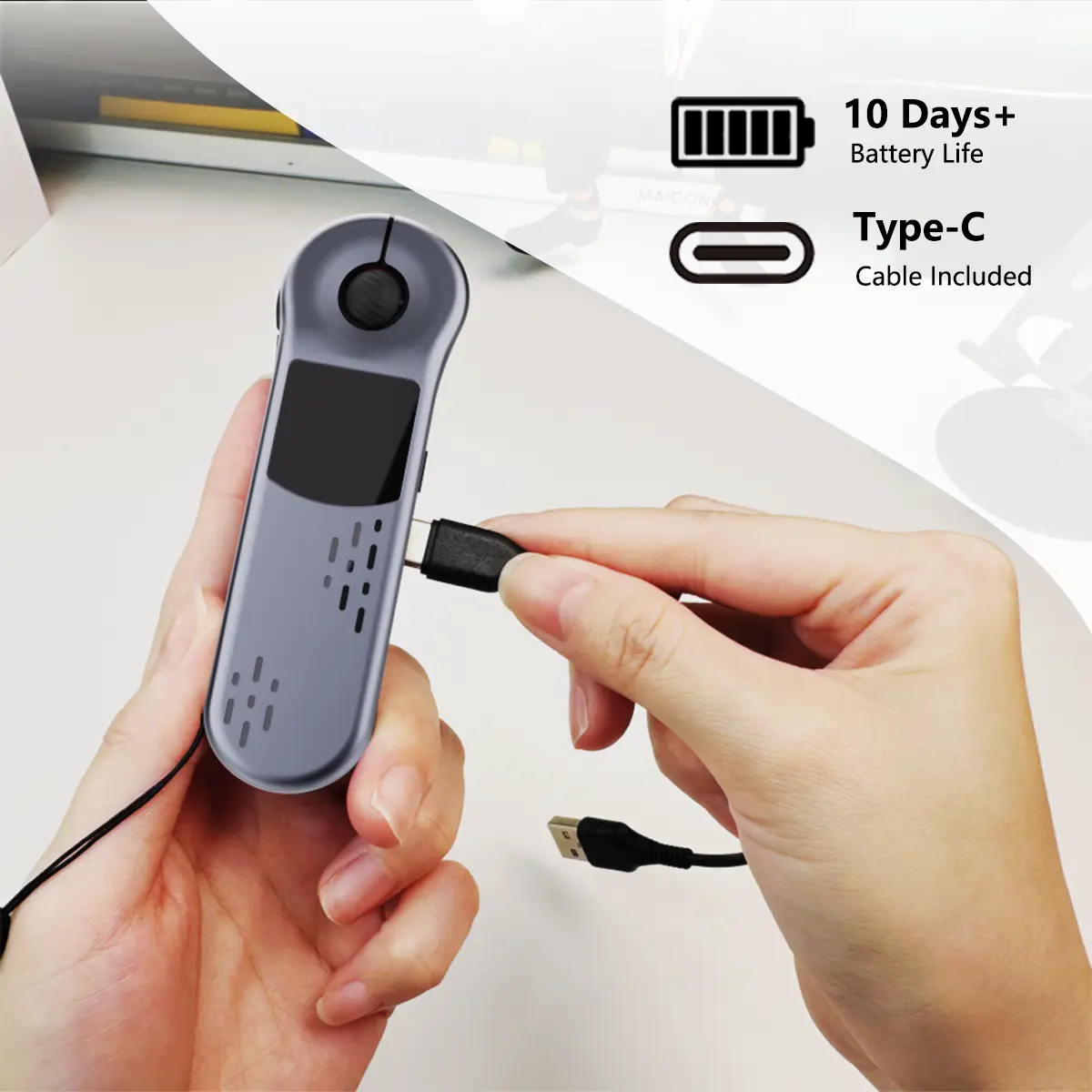
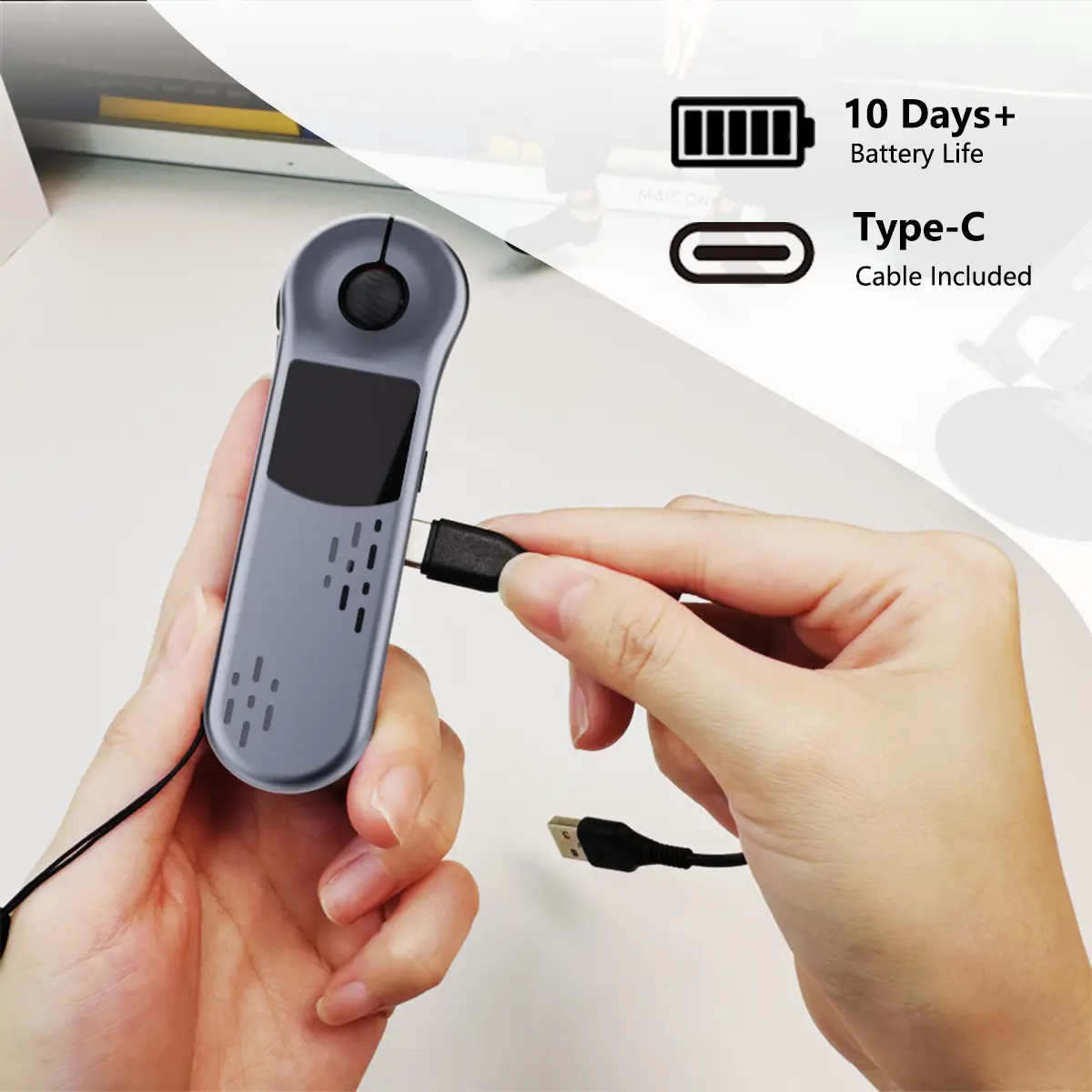
•Rechargeable pen-style design for portability and comfort
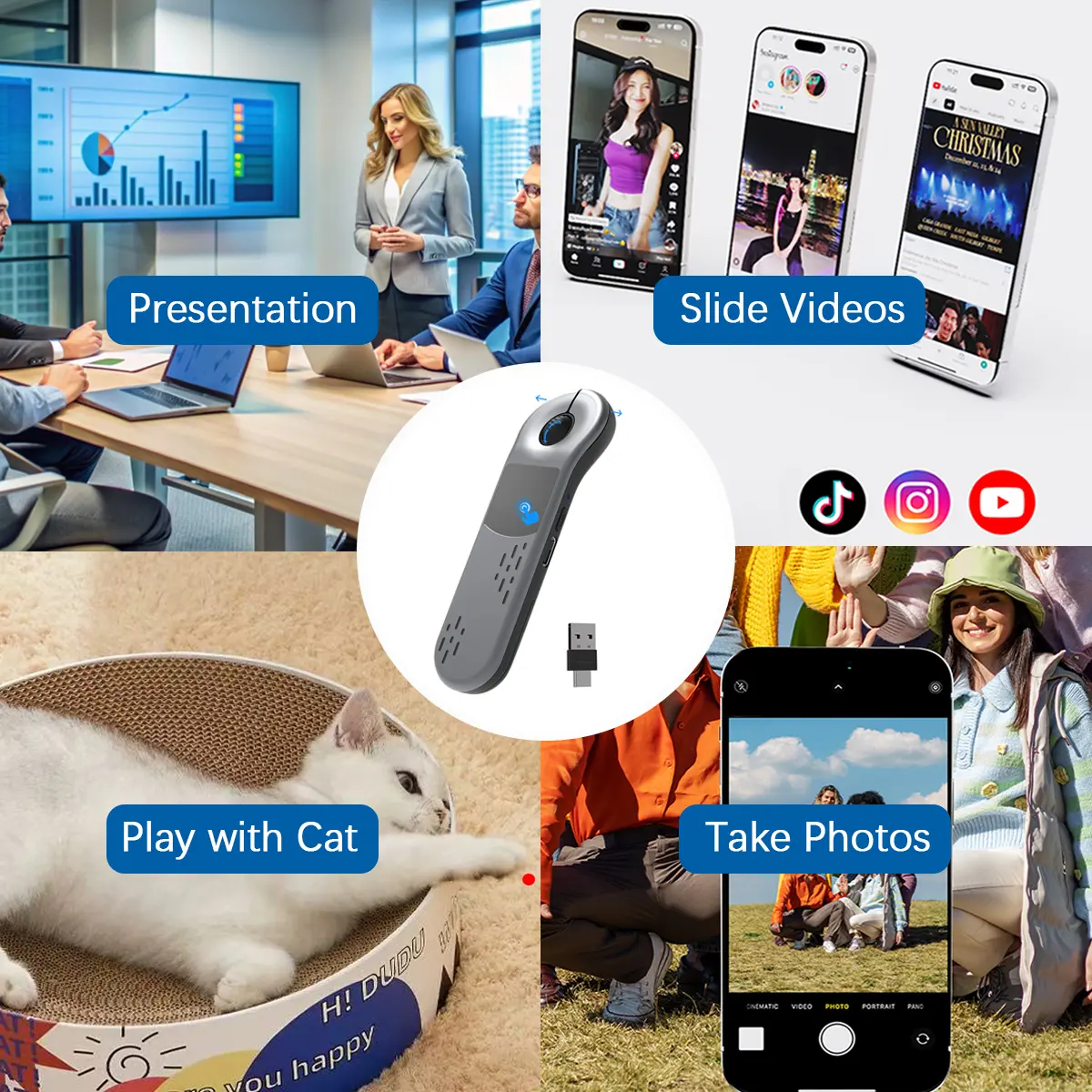
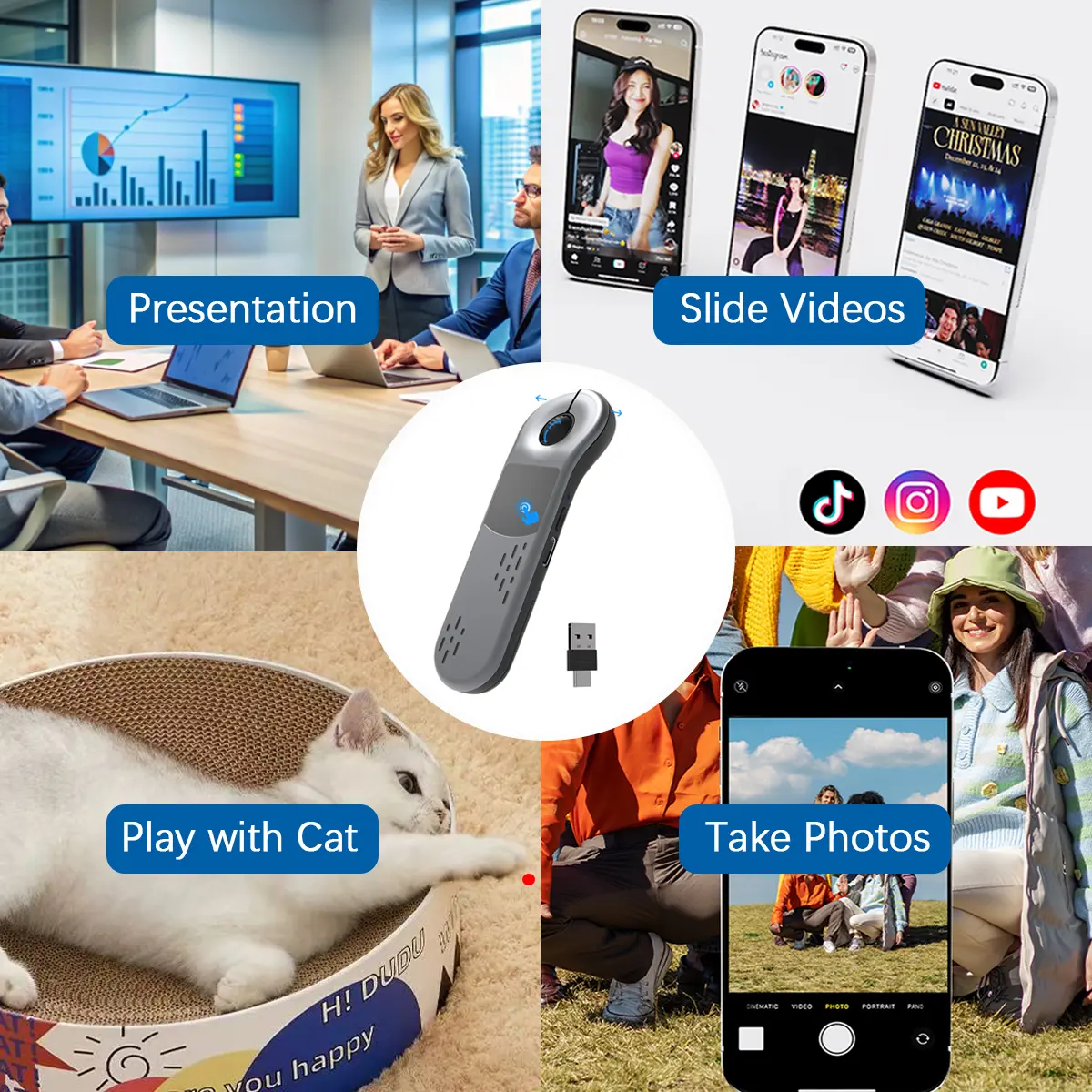
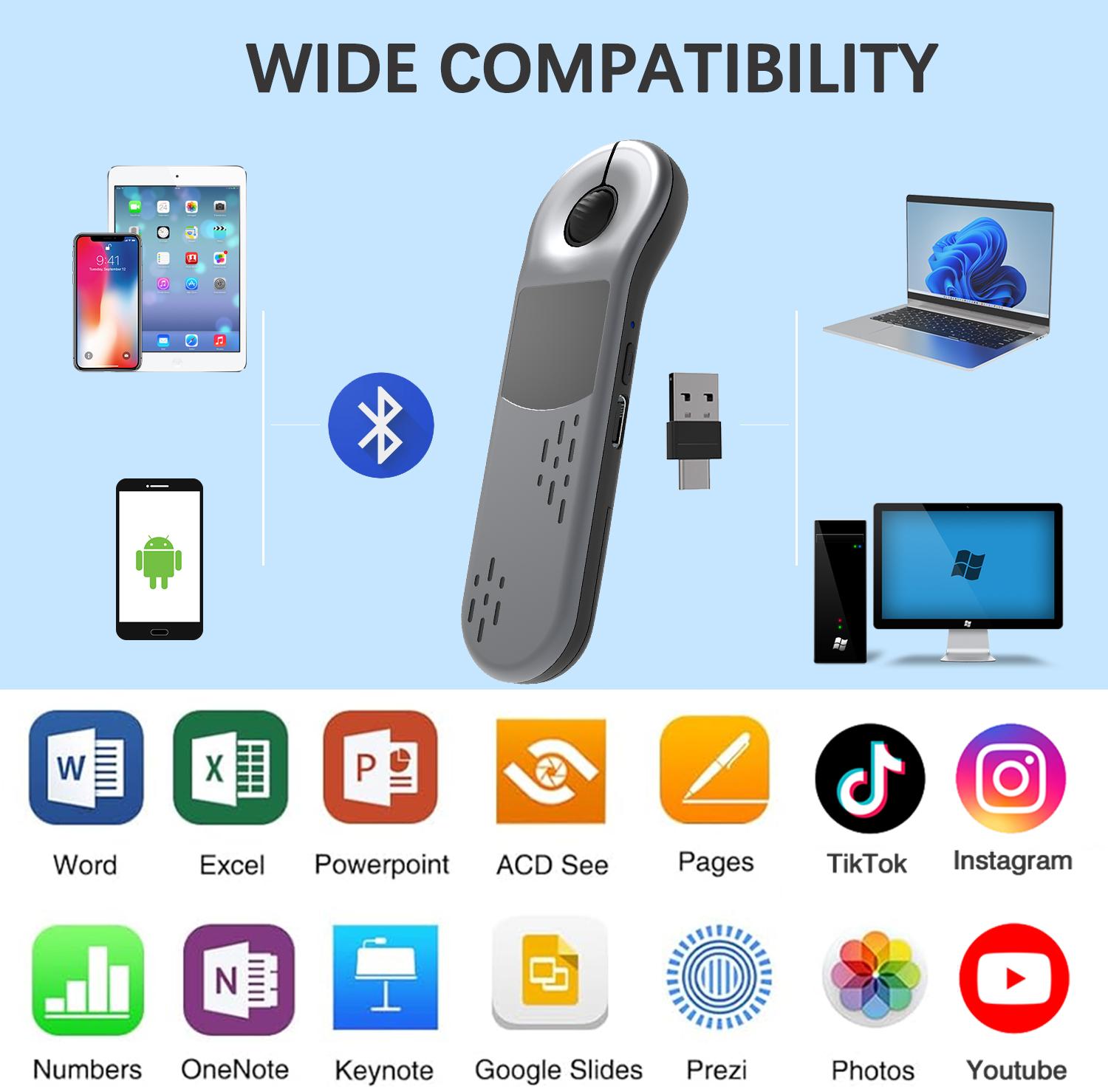
It may look like a presentation clicker, but it moves through your day like an all-in-one portable mouse. Use the touchpad to guide the cursor during meetings, turn slides and highlight key points with the red laser in the classroom, then switch to TikTok scrolling while relaxing on the couch or waiting between trips. From focused presentations to casual screen time, familiar controls stay in one slim handheld device. Bluetooth supports iOS and Android; Pro 2.4G adds Mac and Windows.
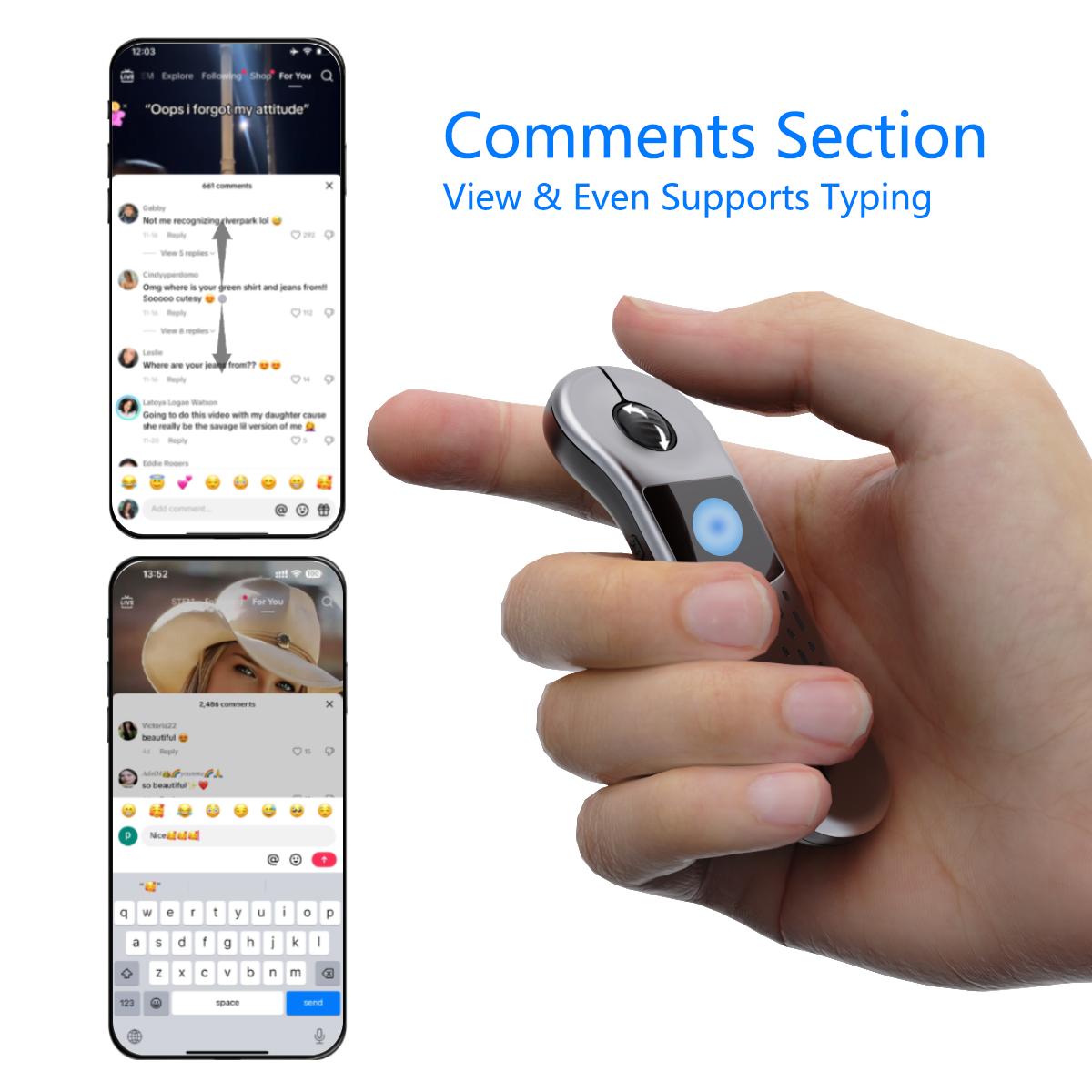
TikTok, now with mouse-like control. Use the touchpad to move the cursor, browse videos and open comments while relaxing on the couch or taking a break between workouts—no need to keep reaching for your phone.
From slide decks to social feeds, it speaks the language of your everyday apps. Move through PowerPoint, Keynote and documents during work, then switch to TikTok, Instagram, YouTube or Photos when it’s time to unwind. Compatible with most commonly used productivity, presentation and entertainment apps, it keeps familiar controls within reach across phones, tablets and computers.
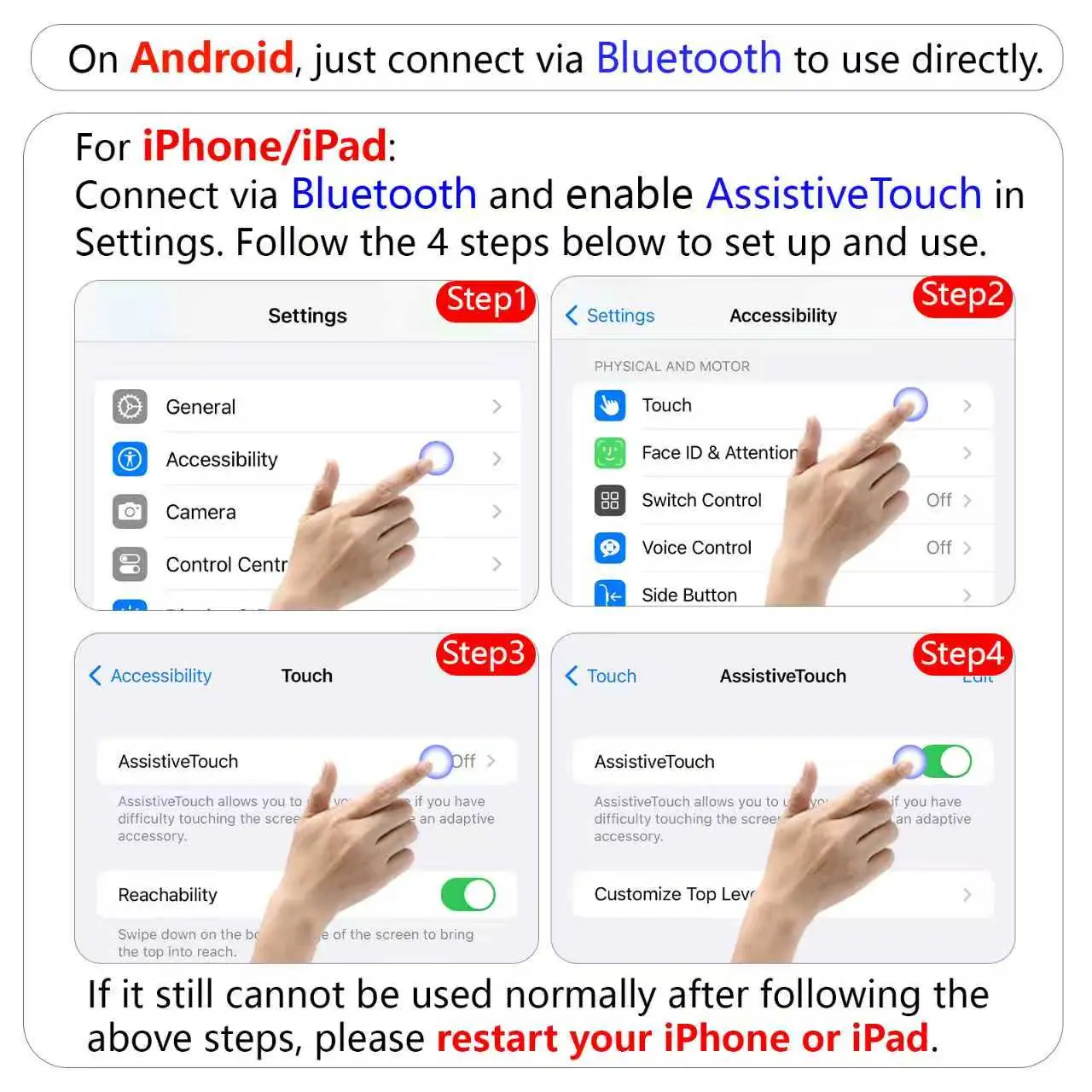
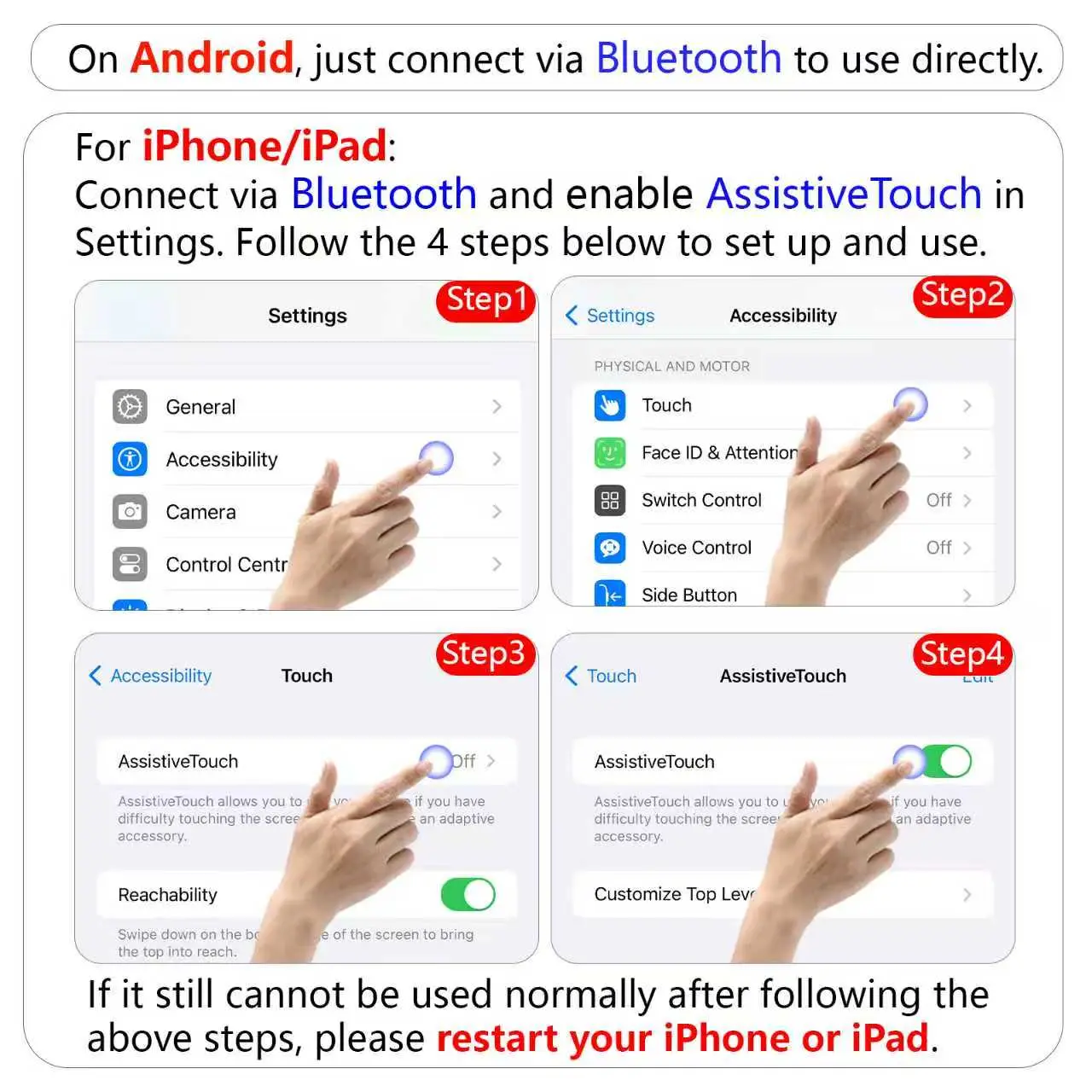
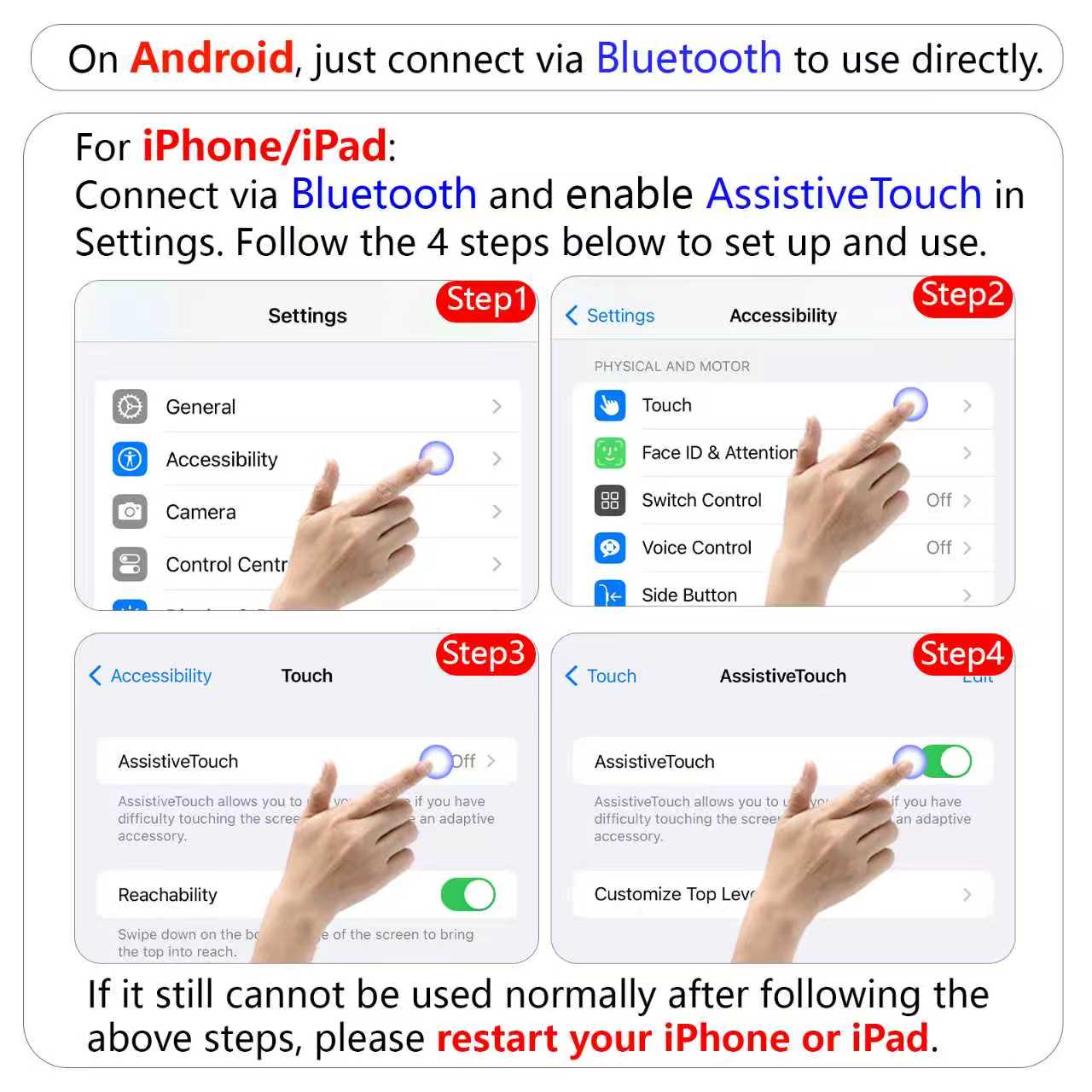
Connect, adjust, and scroll your way. Android users can connect directly via Bluetooth. On iPhone or iPad, simply enable AssistiveTouch after pairing. Adjust the pointer speed to match your movement for a smoother, more natural scrolling experience.
Q: I bought the version with a 2.4G receiver, but I can't find it. Where is it?
A: The 2.4G receiver is stored in a compartment on the back of the device. Simply slide open the back cover to find and remove it.
Q: The cursor moves too fast or too slow when I swipe the touchpad. How can I adjust it?
A: You can easily adjust the cursor sensitivity in your device settings:
·For iOS Users: Go to Settings, search for "Tracking Sensitivity", and adjust the slider to your preference.
·For Android Users: Go to Settings, search for "Pointer speed", and adjust the slider to your preference.
Q: Are there any tips for using the touchpad?
A: For the best accuracy and responsiveness, we recommend using your fingertips rather than the pad of your finger when swiping on the touchpad.
Q: The device was working fine, but now it’s unresponsive. What should I do?
A: If the device becomes unresponsive, simply recharge it, reconnect the Bluetooth, and for iOS users, toggle both "AssistiveTouch" and "Screen Lock" off and back on to restore normal operation.
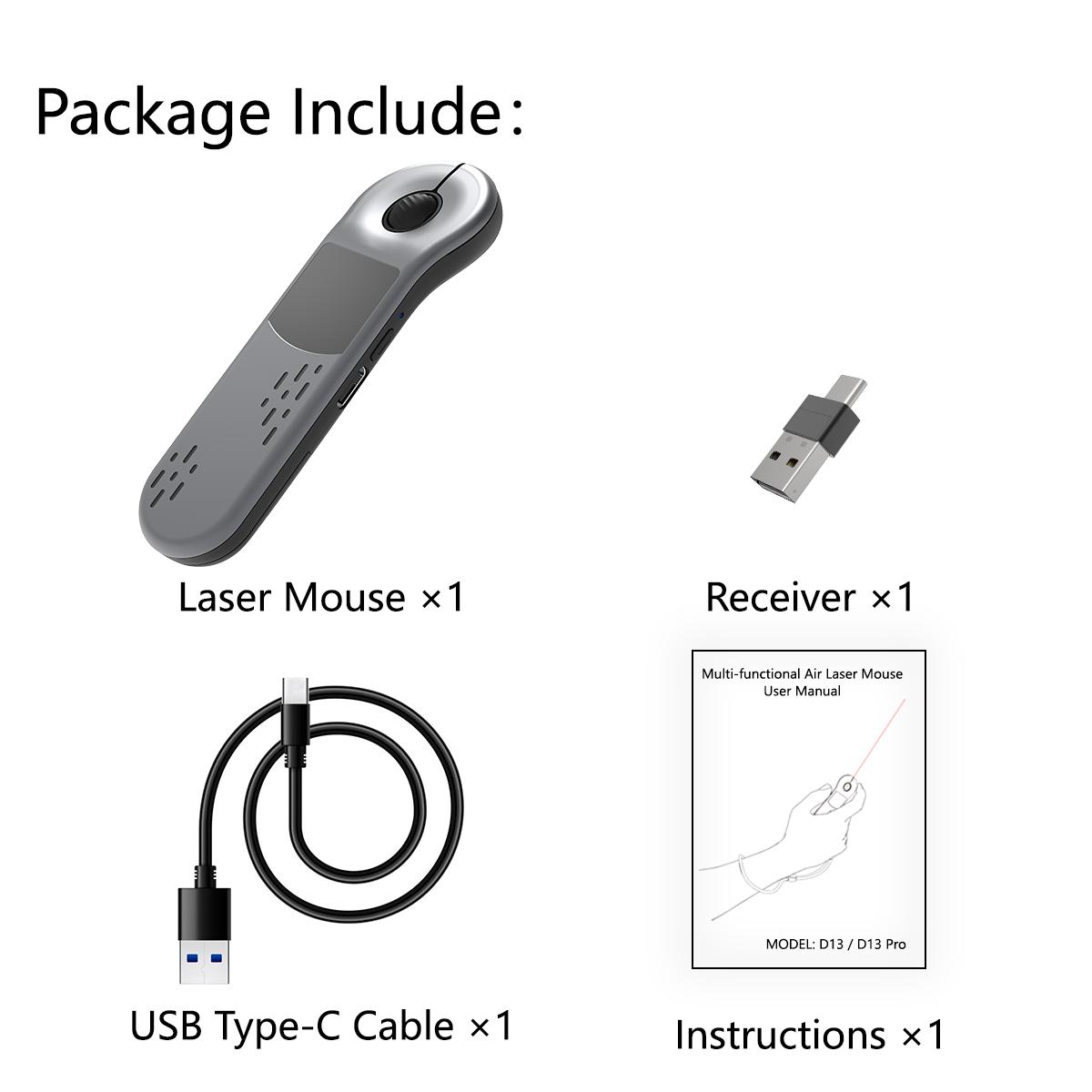
Package Includes
·1 × Bluetooth Air Mouse Presenter with Touchpad & Red Laser Pointer
·1 × 2-in-1 USB-A & USB-C Receiver
·1 × USB Charging Cable
·1 × User Manual (English)